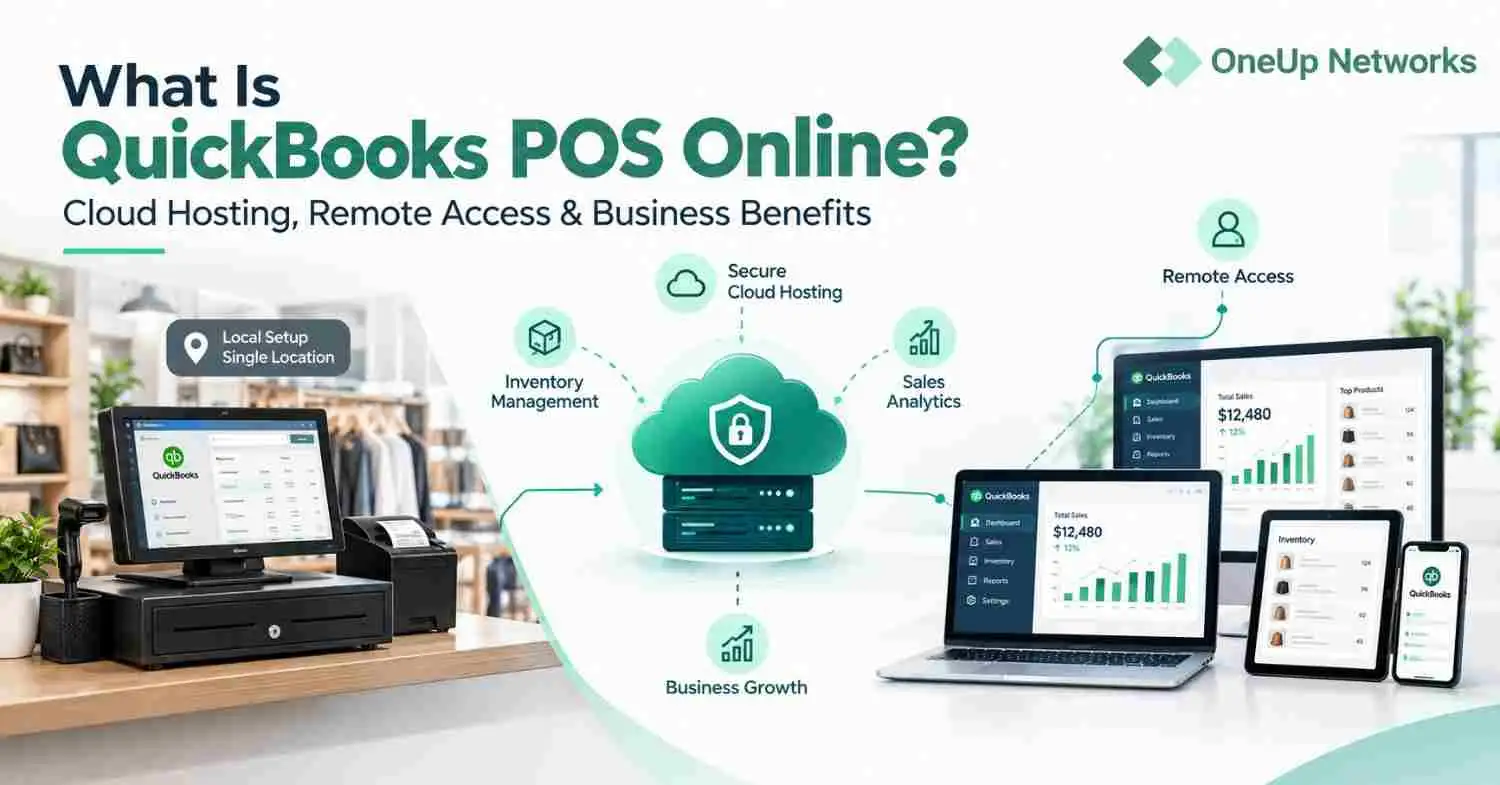
QuickBooks hosting allows CPA firms, accountants, and bookkeepers to access QuickBooks Desktop remotely while supporting client-file management and team workflows. Choosing the right hosting provider requires careful consideration of software compatibility, user access, data protection, backups, and technical support.
- Manage multiple client files efficiently. A suitable hosting environment helps accounting teams organize their workflows and manage access to client company files according to staff responsibilities.
- Support remote and seasonal accounting staff. Hosted QuickBooks can provide authorized team members with remote access, subject to the hosting plan, application requirements, and access controls.
- Check compatibility before migrating. CPA firms should verify that their QuickBooks Desktop version, tax preparation software, payroll tools, Excel workflows, and required integrations work in the proposed hosting environment.
- Evaluate security, backups, and technical support. Review user permissions, authentication options, backup frequency, recovery procedures, support availability, and service-level commitments before selecting a hosting provider.
- Plan the migration around existing accounting workflows. Test representative company files, reports, integrations, and printing processes before moving the firm’s full workload to a hosted environment.
- OneUp Networks offers QuickBooks hosting solutions. CPA firms, accountants, and bookkeepers can contact OneUp Networks to discuss hosting options based on their software requirements, team access needs, and accounting workflows.
Introduction
When tax deadlines are approaching, a client needs revised financial statements, and your team is juggling dozens of QuickBooks company files, even a small technical issue can disrupt an entire day’s work. Add remote employees, seasonal staff, incompatible accounting applications, and concerns about who can access sensitive client records, and managing your firm’s workflow becomes even more demanding. QuickBooks hosting can help CPA firms access QuickBooks Desktop remotely, but questions about software compatibility, client-file access, data security, backups, and system availability need clear answers before making the switch. This guide addresses the practical QuickBooks hosting questions that matter most to accounting professionals who cannot afford unnecessary disruption during their busiest periods.
1. Can a CPA Firm Manage Multiple Client Files in a Hosted QuickBooks Environment?
Yes, but file organization and user permissions need careful consideration. Accounting firms often manage company files for clients across different industries, with varying reporting schedules and different employees responsible for each account. A hosted environment should support an organized workflow while helping firms restrict access to authorized users.
Before migrating, identify which employees need access to each client file and what tasks they perform. Test representative company files to confirm that staff can open the correct files, work simultaneously where supported, and complete their usual accounting tasks. This helps identify access or workflow issues before they affect client work.
2. How Does QuickBooks Hosting Work for Seasonal Accounting Staff?
Many accounting firms bring in temporary employees during tax season or other busy periods. QuickBooks hosting can provide remote access for these employees, provided the hosting arrangement supports the required users, applications, and access controls.
Firms should establish a clear process for granting access when temporary staff join and removing it when their assignments end. Permissions should reflect each employee’s responsibilities rather than giving everyone unrestricted access to client information. Before choosing a provider, ask how users are added, removed, and managed when staffing requirements change.
3. Will Hosted QuickBooks Work With Existing Accounting and Tax Software?
Compatibility depends on the applications your firm uses, their versions, and the hosting environment. A program that works on an office computer may require additional configuration in a hosted desktop, particularly if it relies on local files, device connections, or specific system requirements.
Prepare a list of essential applications, including tax preparation software, payroll tools, Excel, PDF utilities, and QuickBooks add-ons. Ask the hosting provider to confirm compatibility with the specific versions your team uses, then test important workflows before migrating. Pay particular attention to importing and exporting data, generating reports, printing documents, and transferring files between applications.
4. Is QuickBooks Hosting Different From Using QuickBooks Online?
Yes. QuickBooks hosting allows users to access a supported installation of QuickBooks Desktop remotely, while QuickBooks Online is a separate cloud-based accounting product. The two options differ in their interfaces, features, integrations, and workflows, so moving to one is not the same as moving to the other.
For firms that depend on established QuickBooks Desktop processes, hosting may allow them to retain those workflows while enabling remote access. However, hosting does not automatically make every desktop feature or third-party application available on every device. Compare your firm’s reporting requirements, client-file arrangements, integrations, and licensing obligations before deciding which option is appropriate.
5. What Should CPA Firms Know About Client Data Security?
Hosting financial applications does not automatically guarantee that client data is secure. Protection depends on several controls working together, including user permissions, authentication, system maintenance, network security, and the firm’s own procedures for handling sensitive information.
Ask the provider which security measures it maintains and which responsibilities remain with your firm. Confirm whether multifactor authentication is available, how access is restricted, how systems are updated, and what procedures apply if an employee’s account is compromised. Your firm should also review its confidentiality obligations and applicable professional requirements before moving client information into a hosted environment.
6. How Should Accounting Firms Evaluate Backup and Recovery Arrangements?
A backup is useful only if the required data can be recovered when the firm needs it. Before selecting a hosting provider, ask how frequently backups are taken, how long they are retained, whether recovery points are protected, and how restoration procedures are tested.
It is equally important to understand how recovery works in practice. Ask how a deleted or damaged company file would be restored, who handles the request, and what recovery time the provider can reasonably commit to. Do not assume that hosting backups replace any separate backup, retention, or recordkeeping obligations your firm may have.
7. What Happens if Hosted QuickBooks Is Unavailable During Month-End Close?
System availability becomes particularly important when accountants are preparing financial statements, completing reconciliations, processing payroll, or meeting client deadlines. Before signing an agreement, review the provider’s service-level commitments, support hours, maintenance practices, and procedures for handling service interruptions.
Ask whether technical support is available outside standard business hours and how urgent problems are escalated. Clarify what the provider’s uptime commitment covers and whether any exclusions apply. Understanding these arrangements helps your firm assess operational risks instead of relying on a general promise of uninterrupted access.
8. What Should a CPA Firm Test Before Migrating QuickBooks to a Hosted Environment?
A successful migration involves more than transferring company files. The firm must confirm that employees can complete their usual accounting tasks and use the applications and devices on which their work depends.
Start with a representative selection of company files rather than moving every client account at once. Check that users can open the files, run important reports, complete routine transactions, use required integrations, and print or export documents correctly. Resolve problems involving permissions, application compatibility, or file access before scheduling the wider migration.
9. How Should a CPA Firm Choose the Right QuickBooks Hosting Plan?
The right hosting plan depends on the firm’s user count, application requirements, client workload, support needs, and budget. A small practice with a few QuickBooks users may have different requirements from a multi-location firm with seasonal employees and several accounting applications.
Ask providers to explain what the quoted price includes, such as user access, application licensing, storage, backups, technical support, and migration assistance. Confirm any usage limits or additional charges before comparing proposals. The objective is to select a hosting arrangement that supports your firm’s actual workflow without paying for unnecessary capacity or services.
How OneUp Networks Supports CPA Firms With QuickBooks Hosting, Security, and Remote Access
OneUp Networks provides QuickBooks hosting solutions for CPA firms, accountants, and bookkeepers who need reliable remote access to QuickBooks Desktop and their accounting applications. By hosting QuickBooks in a cloud environment, accounting professionals can access supported company files from different locations, collaborate with authorized team members, and maintain their established accounting workflows without relying solely on an office computer. This flexibility is particularly valuable for firms managing multiple clients, coordinating remote employees, or handling increased workloads during tax season.
Beyond remote access, choosing the right hosting environment means considering application compatibility, user access controls, data protection, backup arrangements, and technical support. OneUp Networks helps accounting firms explore hosting options based on their software requirements, team size, and operational needs. Whether you are planning to migrate QuickBooks Desktop to a hosted environment or looking for a more flexible way to support your accounting team, contact OneUp Networks to discuss your QuickBooks hosting requirements and find a solution suited to your practice.
Conclusion
For CPA firms, QuickBooks hosting is about more than remote access. It is about keeping client work organized, giving authorized team members the access they need, and maintaining established accounting workflows during demanding periods such as tax season and month-end close. By evaluating software compatibility, access controls, backup and recovery arrangements, and technical support before migrating, accounting professionals can make a more informed hosting decision. The right solution should fit the firm’s day-to-day operations while supporting its changing workload and long-term needs.
Stop Letting QuickBooks Hosting Challenges Disrupt Your Accounting Workflow
When CPA firms manage multiple client files, coordinate remote staff, and work against tight tax-season deadlines, slow access, software compatibility issues, and unreliable hosting can put pressure on the entire team. Even minor disruptions can delay reporting, interrupt client work, and make it harder to keep accounting operations on schedule.
OneUp Networks provides QuickBooks hosting solutions designed to help accounting professionals access QuickBooks Desktop remotely, support distributed teams, and maintain their established accounting workflows. Whether you’re planning a migration or evaluating your current hosting environment, our team can help you explore a solution that fits your firm’s requirements.
- Book a Demo – Explore QuickBooks hosting for your accounting firm’s workflow.
- Start a Free Trial – Evaluate the hosted environment and see whether it meets your firm’s needs.
- Schedule a Consultation – Discuss your QuickBooks hosting requirements with the OneUp Networks team.