Key Takeaways
- Choose accounting software based on your firm’s size, billing model, and reporting needs.
- Project tracking and secure integrations matter as much as bookkeeping for professional services firms.
- Compare implementation effort, reporting depth, and long-term cost before switching platforms.
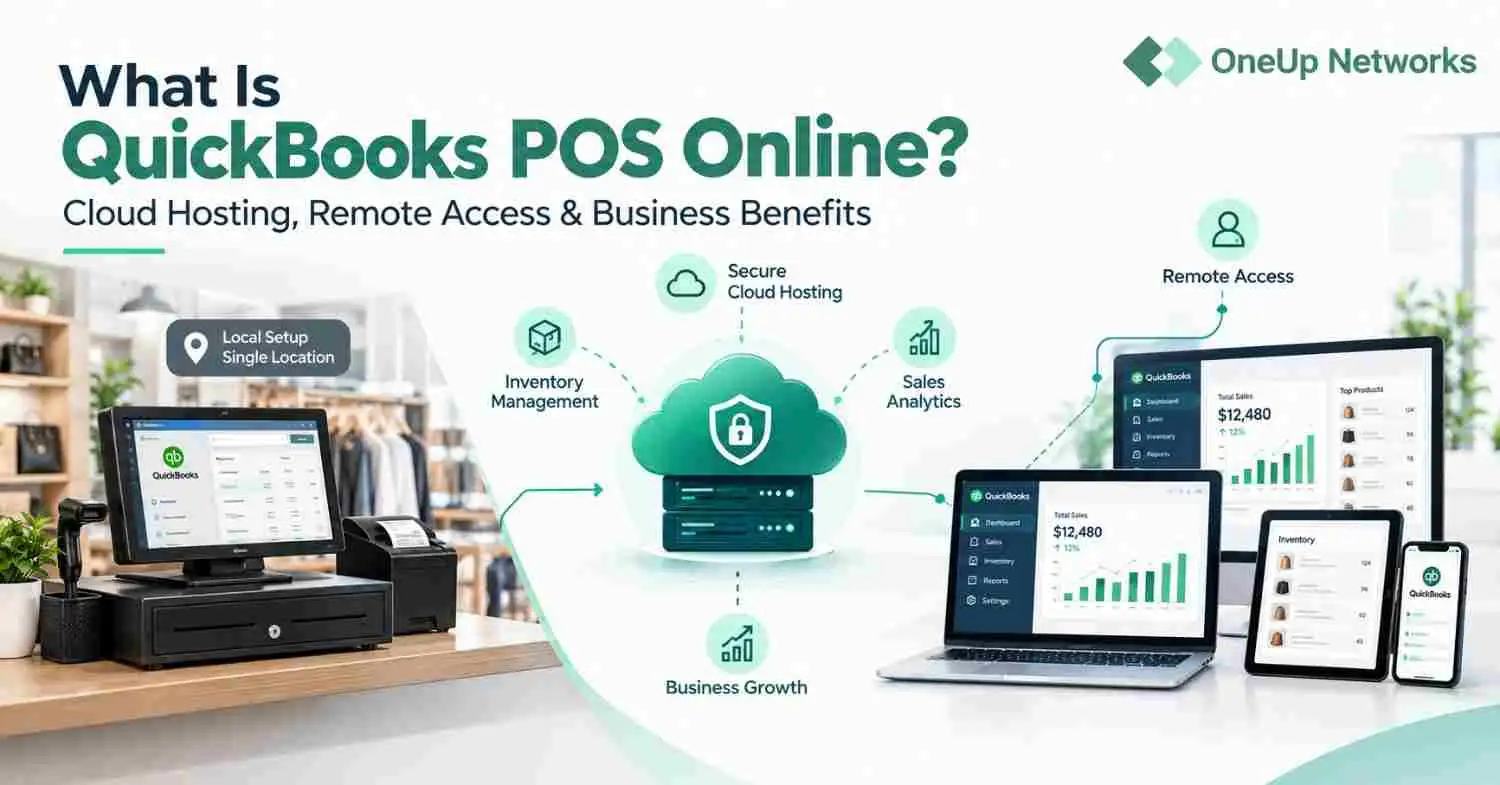
- OneUp Networks lets firms securely host QuickBooks Desktop and Sage 50 in the cloud, with remote access, MFA, automatic backups, and managed IT support.
- Cloud hosting can modernize existing accounting software without the cost and disruption of a full migration.
SCORE’s recent bookkeeping guidance for small businesses makes more sense when you look at the time math behind it. Sage research found that small businesses can lose about 120 working days a year to administrative work. For a professional services firm where hours are the inventory, that kind of drag does not stay in the back office for long. It leaks into write-downs, stale invoices and weaker margins.
The security side is just as blunt. In IBM’s 2026 Cost of a Data Breach findings the global average breach cost was $4.99 million and AI-enabled malicious breaches averaged $6 million. That is why software selection cannot be separated from permissions, remote access and backup discipline.
This guide explains what professional services firms should look for in 2026, then reviews 10 accounting and bookkeeping options. For each one, you’ll see the type and size of business it may suit and what to expect from its pricing. We’ll also cover managed hosting for firms that want to keep using desktop applications, and finish with a checklist to help you compare your finalists before you buy.
What professional services firms actually need from accounting software in 2026
Retail and manufacturing teams usually start with inventory, purchasing and fulfillment. Service firms start somewhere else. They need project profitability, time and expense capture, WIP or work in progress visibility, retainer billing, revenue recognition and cash flow reporting that tells partners which work is paying off and which work is eating staff time.
The structure matters too. A law firm with trust accounting, a consulting firm with milestone billing and a multi-office engineering practice do not experience bookkeeping the same way. Many firms also need entity-level reporting across management companies, operating entities or partner groups. That is why the best accounting software for professional services companies is often the product that can turn daily time entries and expenses into clean job finances without forcing the team into spreadsheet repair every month.
Integrations matter more than feature count. Payroll, tax, CRM, AP automation and document management all touch the books. If those systems do not pass data cleanly on day one, your controller ends up reconciling software instead of reconciling the month.
Security and access belong in the buying conversation from the start. Remote staff need cloud access. Partners need role-based permissions. Firms handling financial records need MFA, backups, audit trails and user controls strong enough to separate AP, payroll, partner draws and client-facing billing. When people search for the best accounting software for professional services, they are often trying to simplify hybrid work without exposing financial data.
That is why the best fit usually depends less on who has the longest feature sheet and more on your level of complexity, the way your team actually works and whether the hosting model matches the rest of your accounting stack.
These 10 bookkeeping and accounting platforms are worth a serious look
The right platform depends on the work you need it to handle. A freelancer sending invoices has different needs from a CPA firm managing several clients or a business tracking inventory across locations. These 10 options cover that range.
1. OneUp Networks
Rating: 4.9/5 on G2, as reported by OneUp Networks.
Price: Starting from $35.99 per user per month for Virtual Office hosting; application licenses may cost extra.
Who’s it for: Accounting and CPA firms that want remote access to their existing desktop accounting and tax software.
OneUp Networks is a strong option for firms that rely on desktop software but need their teams to work from different locations. Its managed cloud environment supports QuickBooks, Sage and tax applications such as UltraTax CS. OneUp handles migration, backups and technical support.
A small practice can give a few employees shared access to its applications. As the firm grows, it can add users and bring more accounting and tax software into one workspace. This makes OneUp especially useful for firms that want to keep QuickBooks Desktop or Sage while supporting hybrid work.
OneUp Networks is especially valuable for firms comparing cloud hosting with buying entirely new accounting software. If your goal is to keep QuickBooks Desktop or Sage while enabling hybrid work, hosting is often the simpler transition.
2. QuickBooks Online
Rating: 4.0/5 on G2.
Price: Starting from $38 per month for the paid US plans, before promotional discounts.
Who’s it for: Small businesses and growing teams that want to manage their books in a browser. Choose QuickBooks Online if you want cloud accounting and do not need to keep a QuickBooks Desktop workflow.
QuickBooks Online brings invoicing, expense tracking, connected banking and financial reporting into one browser-based platform. Business owners, accountants and bookkeepers can work from the same books without setting up a hosted desktop.
Its plans add features and user access as a business grows, making it a practical choice for startups and service businesses. The trade-off is the move itself: a firm already using QuickBooks Desktop may need to migrate data and change familiar processes. If keeping Desktop matters, hosting QuickBooks Desktop may be the simpler path to remote access.
3. NetSuite
Rating: 4.1/5 on G2.
Price: Custom quote. NetSuite charges an annual license fee and a one-time implementation fee.
Who’s it for: Growing and larger businesses that need to manage finance alongside inventory, procurement and multiple entities. Choose NetSuite when your organization needs an ERP that connects accounting with wider business operations.
NetSuite gives finance teams one platform for accounting, reporting and work across subsidiaries. Its broader ERP tools can connect financial data with inventory, purchasing and other operational processes.
The trade-off is the work involved in getting it running. Modules, users and workflows need to be planned and configured, making NetSuite a larger investment than a small business accounting subscription. It is a stronger fit when that broader scope solves a real need across the organization.
4. Xero
Rating: 4.4/5 on G2.
Price: Pricing starts from $25 per month for US plans before discounts. Though Xero has announced an increase to $27 per month from October 1, 2026.
Who’s it for: Startups and small businesses that want owners, accountants and bookkeepers to work in the same cloud accounting system. Choose Xero when easy online collaboration matters more than keeping a desktop accounting workflow.
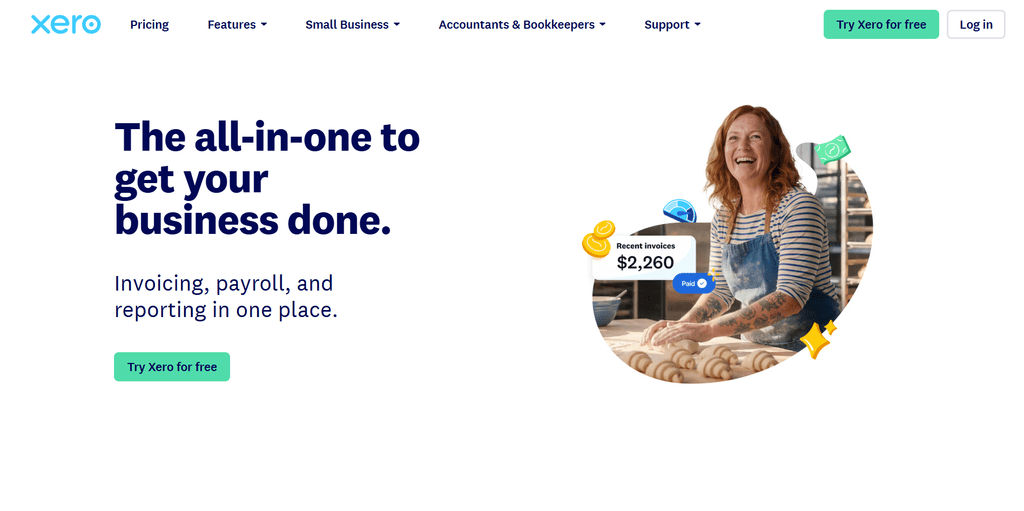
Xero brings invoicing, bills, bank reconciliation, expenses and reporting into a browser-based platform. It connects with a wide range of business apps, which can help service businesses build a workflow around their accounting software.
Businesses with complex inventory or manufacturing needs should check whether Xero’s features and available add-ons cover their processes. Firms that depend on legacy desktop applications will also need a different approach to keep using those tools remotely. For a closer comparison, see our QuickBooks vs Xero guide.
5. Sage 50
Rating: 4.0/5 on Capterra.
Price: Starting from $128.67 per month across the listed US Pro, Premium and Quantum plans.
Who’s it for: Businesses that need accounting alongside inventory, job costing and detailed reporting. Choose Sage 50 when products, projects and job costs are part of your daily accounting work.
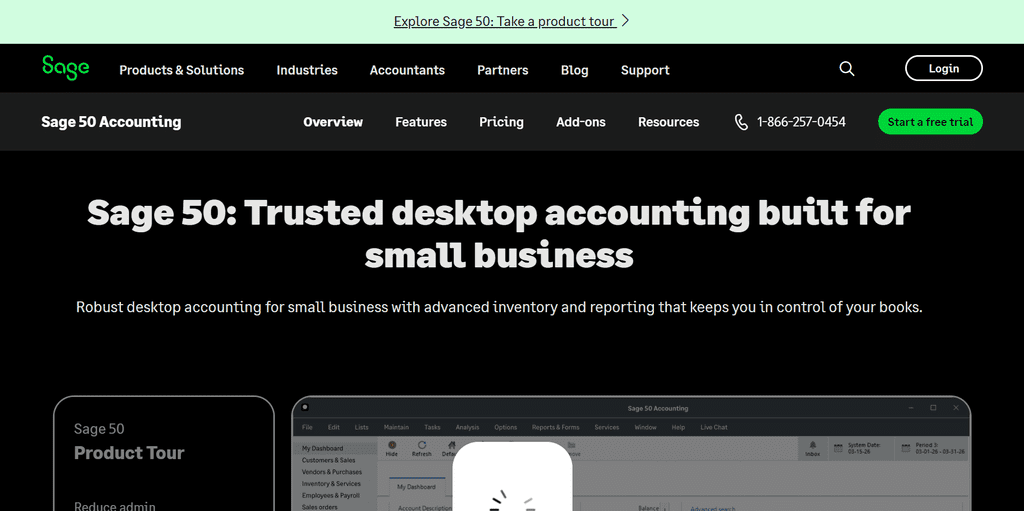
Sage 50 offers more operational detail than a basic bookkeeping tool. Premium adds features such as advanced job costing and inventory tracking, while Quantum supports larger teams with role-based permissions. These capabilities can suit contractors, manufacturers and distributors.
For remote work, check which version you use. Sage now lists a Sage 50 Cloud option with remote access alongside a locally installed Sage 50 Desktop edition. Firms that want to keep their Desktop setup can consider managed Sage hosting for access from different locations.
6. Sage Intacct

Rating: 4.3/5 on G2.
Price: Custom quote based on the modules and capabilities your organization needs.
Who’s it for: Growing finance teams that need multi-entity accounting, consolidation and detailed financial reporting. Choose Sage Intacct when reporting and managing finances across entities have become business priorities.
Sage Intacct is a cloud financial management platform for organizations whose needs have grown beyond basic bookkeeping. It supports multi-entity accounting, consolidation and automation, while dimensional reporting lets finance teams examine results by department, project, client or location.
That depth takes planning to put in place. Teams should define their reporting needs, modules and rollout scope before requesting a quote. Sage Intacct is most useful when those capabilities will replace manual work and give finance leaders clearer visibility across the organization.
7. FreshBooks
Rating: 4.5/5 on G2.
Price: Starting from $23 per month for Lite, Plus and Premium on monthly billing, before promotions. Team members, payroll and payment processing can add to the cost.
Who’s it for: Freelancers, consultants, agencies and other service businesses that bill clients for their work. Choose FreshBooks when estimating, time tracking and invoicing matter more to your daily work than inventory management.
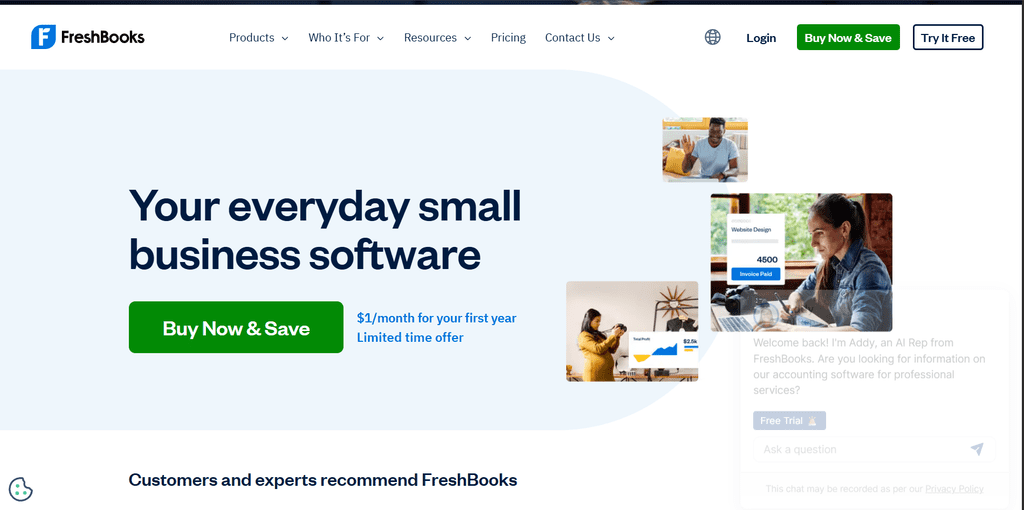
FreshBooks helps independent professionals turn tracked time and project work into client invoices. It also offers recurring invoices, proposals and expense tracking, making it useful when billing is a central part of running the business.
Its fit is less clear for businesses with substantial inventory or complex operational accounting. As those needs grow, they may need a platform with deeper inventory and reporting tools.
8. Zoho Books
Rating: 4.4/5 on G2.
Price: Free to $275 per organization per month on monthly billing. Paid plans cost less per month when billed annually.
Who’s it for: Sole proprietors and growing businesses that want accounting software with room for more automation. Choose Zoho Books if you already use Zoho apps or want accounting, approvals and workflows in one connected system.
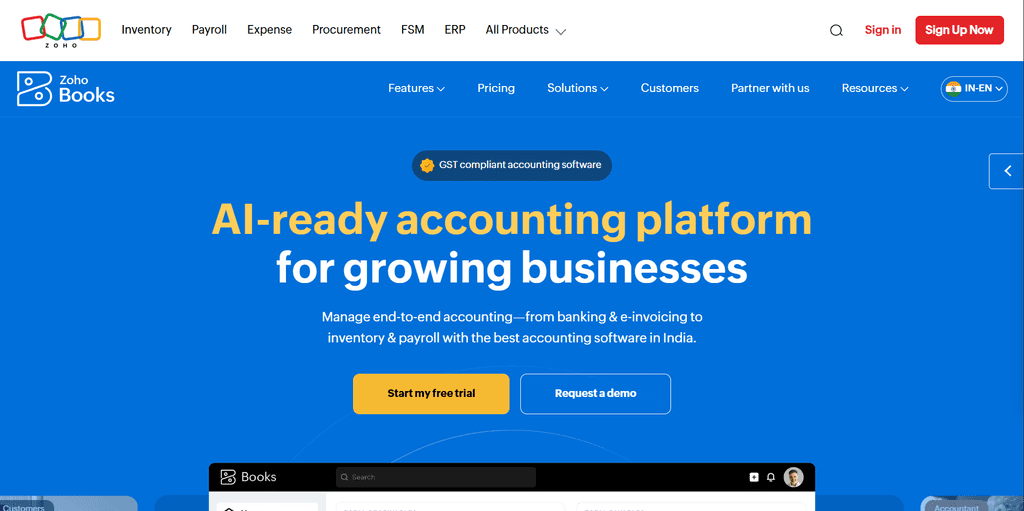
Zoho Books starts with invoicing and basic bookkeeping, then adds features such as inventory tracking, approval workflows, budgeting and advanced reporting across its paid plans. Its US edition supports sales tax and 1099 workflows; features vary by plan.
Its strongest advantage is how it works alongside tools such as Zoho CRM and Zoho Inventory. If your business relies on another software stack, check the integrations and the features included in your chosen plan before switching.
9. Wave
Rating: 4.3/5 on G2.
Price: Free Starter plan or $19 per month for Pro. Payment processing and optional services cost extra.
Who’s it for: Freelancers, sole proprietors and very small businesses with straightforward bookkeeping needs. Choose Wave when you need to send invoices and manage basic accounts without committing to a paid accounting plan.
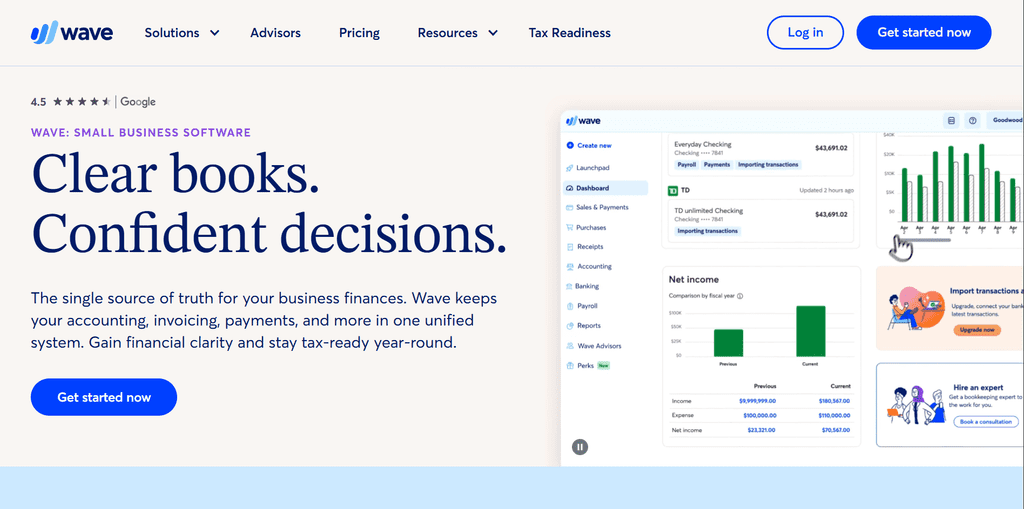
Wave lets a new business start tracking income and sending invoices with no monthly software fee. The Pro plan adds time-saving features such as automatic bank imports and receipt capture.
Wave works best while the bookkeeping process is simple. A business that needs inventory management, detailed approval workflows or more advanced reporting may eventually need a more capable accounting platform.
10. QuickBooks Desktop Enterprise

Rating: 4.5/5 on G2.
Price: Custom pricing based on the edition and number of users; cloud hosting costs extra.
Who’s it for: Growing businesses that need advanced inventory, reporting and user controls while keeping QuickBooks Desktop. Choose Enterprise when you need deeper Desktop features but are not ready to move to a cloud accounting platform.
QuickBooks Enterprise supports businesses with more complex accounting needs, including larger inventories, customizable reports and multiple company files. Its industry editions also offer tools for businesses such as contractors, manufacturers and nonprofits.
The main consideration for distributed teams is access. Enterprise runs as desktop software, so firms that want employees to use it from different locations need a remote access setup. Managed QuickBooks Enterprise hosting lets them keep their existing software while moving its environment to the cloud.
For a useful shortlist, first decide whether you are buying accounting software, hosting for software you already own, or both. Then compare the full cost for your actual number of users, required features and support needs.
If you are narrowing down Sage vs QuickBooks and want the software decision to work in the real world, talk with us at OneUp Networks. Browse our case studies for real client success stories and practical implementation examples.
Talk with us if you need secure cloud access for QuickBooks Sage or your full accounting stack
If your firm is weighing new accounting software or trying to keep QuickBooks, Sage, UltraTax, Thomson Reuters, CCH and related apps accessible for a hybrid team. OneUp Networks provides managed cloud hosting that lets accounting firms use their existing applications from different locations while keeping setup, backups and technical support in expert hands.
- Request a Quote: Get a hosting recommendation based on your applications, team size and access needs.
- Book a Demo: See how your accounting and tax applications could work in a managed cloud environment.
- Start a Free Trial: Let your team test the setup before committing.
Whether you run a small practice or a growing firm, OneUp Networks can help you make the desktop software you already use easier for your team to access and manage.