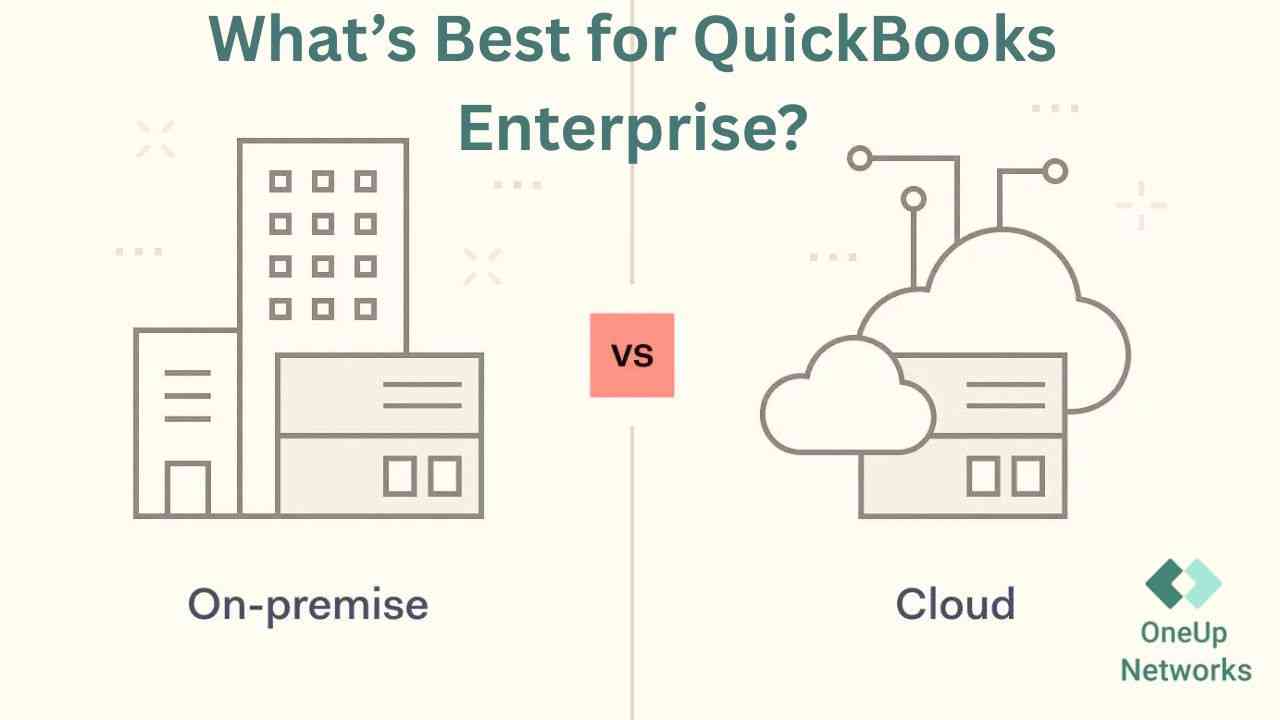
- QuickBooks Enterprise can be deployed through either an on-premise server environment or a cloud-hosted setup, and the right choice depends on business workflow, IT resources, and growth plans.
- On-premise QuickBooks Enterprise gives businesses direct control over infrastructure but requires responsibility for servers, backups, security, maintenance, and technical management.
- Cloud-hosted QuickBooks Enterprise helps accounting firms support remote teams, multi-location access, collaboration, and reduced infrastructure management.
- The decision should be based on total ownership cost, security requirements, user accessibility, scalability, and the firm’s long-term operational goals.
- CPA firms and growing businesses often evaluate managed QuickBooks Enterprise hosting when their existing infrastructure creates workflow limitations or increases IT workload.
Introduction
Choosing how to run QuickBooks Enterprise is a decision that affects much more than software access. For accounting firms, the environment behind the software determines how easily teams collaborate, how quickly reviewers can access files, how much IT effort is required, and how prepared the firm is for periods of high workload.
Many firms begin with an on-premise QuickBooks Enterprise setup because it feels familiar. The server is located in the office, employees know how to access files, and the system appears manageable when most work happens from one location. However, as firms add remote employees, expand services, increase client workloads, or experience heavier tax-season demands, the limitations of managing local infrastructure often become more visible.
The choice between cloud-hosted QuickBooks Enterprise and an on-premise environment is not about choosing between old technology and new technology. Both models can work. The real question is which setup aligns with your firm’s workflow, internal resources, security expectations, and long-term growth plans.
Understanding the Difference Between Cloud and On-Premise QuickBooks Enterprise
Before comparing both options, it is important to understand that the difference is not the QuickBooks Enterprise software itself. The difference is where the application environment lives and who manages the technology surrounding it.
In an on-premise setup, QuickBooks Enterprise runs on servers or computers owned by the business. The firm is responsible for maintaining the hardware, managing updates, protecting the environment, handling backups, and resolving technical issues when they occur.
With cloud-hosted QuickBooks Enterprise, the software runs in a managed hosting environment. Users access the application remotely while the hosting provider manages the infrastructure required to keep the environment available. Intuit also highlights cloud hosting as a way for QuickBooks Desktop Enterprise users to work remotely, collaborate with teams, and access centralized company data.
The decision is therefore less about where the software is installed and more about who carries the operational responsibility behind it.
QuickBooks Enterprise Cloud vs On-Premise Comparison
| Business Requirement | On-Premise QuickBooks Enterprise | Cloud-Hosted QuickBooks Enterprise |
|---|---|---|
| Infrastructure management | Managed internally by the business or IT provider | Managed through hosting provider infrastructure |
| Remote employee access | Requires additional configuration | Designed for remote accessibility |
| Server maintenance | Business responsibility | Managed environment |
| Backup management | Requires internal planning and monitoring | Managed backup options available |
| Scaling users | May require hardware changes | Easier resource adjustments |
| Multi-location collaboration | Depends on local setup | Centralized access model |
| IT workload | Higher internal involvement | Reduced infrastructure responsibility |
| Support needs | Depends on internal expertise | Hosting provider assistance available |
When Does On-Premise QuickBooks Enterprise Make Sense?
An on-premise QuickBooks Enterprise environment can still be a practical choice for certain businesses. Companies that have invested heavily in internal infrastructure and have experienced IT professionals may prefer maintaining direct control over their systems.
For example, a firm where most employees work from one office, user numbers remain stable, and internal IT already manages servers may find an on-premise approach suitable.
The main advantage is control. The business decides how hardware is configured, when updates are applied, and how the environment is maintained. However, control also comes with responsibility. The firm must plan for hardware replacement, cybersecurity updates, backup testing, system monitoring, and unexpected technical issues.
The Hidden Responsibilities of Managing QuickBooks Enterprise On-Premise
Many businesses underestimate how much work happens behind the scenes to keep an accounting environment running smoothly. A local QuickBooks Enterprise setup requires attention to:
Server Maintenance
Servers need regular monitoring, updates, storage management, and replacement planning.
Security Management
The business must manage access controls, endpoint protection, network security, and software updates.
Backup Planning
A backup is only useful when it works correctly. Firms need processes to ensure data can actually be restored when needed.
Remote Access Configuration
Supporting remote employees often requires additional solutions such as VPNs, remote desktop tools, and network configuration. For firms without dedicated IT resources, these responsibilities can become a distraction from accounting operations.
When Does Cloud-Hosted QuickBooks Enterprise Make More Sense?
Cloud-hosted QuickBooks Enterprise is often considered by firms that want to continue using the Desktop workflow while reducing the burden of managing infrastructure.
This model is particularly relevant for firms that:
- have remote employees;
- operate multiple offices;
- need easier collaboration;
- want less dependency on office servers;
- need more predictable access during busy periods.
The benefit is not simply accessing QuickBooks from another location. The bigger advantage is creating a centralized working environment where employees, accountants, and reviewers can access the same system without depending on a single physical office location.
Cost Comparison: Cloud vs On-Premise QuickBooks Enterprise
Many businesses compare only monthly expenses, but the better comparison is total ownership cost. The cheapest option initially may not always be the most economical over several years.
| Cost Area | On-Premise Environment | Cloud-Hosted Environment |
|---|---|---|
| Hardware purchase | Business responsibility | Included within hosting model |
| Server replacement | Required over time | Managed by provider |
| IT support | Internal expense | Included depending on service |
| Backup systems | Business-managed | Managed options available |
| Security tools | Internal responsibility | Provider-supported infrastructure |
| Scaling | Hardware investment needed | More flexible adjustments |
A firm should consider not only what it pays for technology, but also how much employee time and IT effort is required to maintain that technology.
Security: Which QuickBooks Enterprise Setup Provides Better Protection?
Security is often one of the biggest concerns for accounting firms because they manage sensitive financial information. However, security does not automatically depend on whether a system is cloud or on-premise. A properly managed local environment can be secure, while a poorly configured cloud environment can create risks.
The important question is: Who is responsible for managing security controls every day?
A business should evaluate:
| Security Area | Questions To Consider |
|---|---|
| Access control | Who can access financial data? |
| Authentication | Are stronger login protections available? |
| Monitoring | Are unusual activities detected? |
| Backup | Can data be recovered quickly? |
| Updates | Who manages security patches? |
A managed hosting environment shifts more infrastructure responsibility to the provider while still requiring the business to manage users, permissions, and application-level decisions.
Which Option Is Better for CPA Firms?
CPA firms often have more demanding requirements than traditional businesses because their workflows depend on deadlines, collaboration, and access to sensitive client information.
A typical accounting workflow may involve:
- bookkeepers entering transactions;
- accountants reviewing records;
- managers approving reports;
- partners accessing final documents.
When these activities happen across different locations, infrastructure becomes part of the firm’s productivity.
Cloud-hosted QuickBooks Enterprise can be valuable for firms that want a more centralized environment where teams can collaborate without being limited by office-based systems.
Why Tax Season Changes the Decision
Many firms do not notice infrastructure problems during normal months. The issues usually become obvious when workload increases.
During tax season:
- more employees access systems;
- deadlines become tighter;
- reviewers need faster access;
- remote work increases.
A setup that feels acceptable during slower periods may create delays when every hour matters. This is why many firms evaluate their QuickBooks Enterprise environment before peak periods rather than waiting until problems appear.
QuickBooks Enterprise Cloud vs On-Premise: Which One Should You Choose?
There is no universal answer. The right choice depends on your firm’s current situation.
Choose On-Premise QuickBooks Enterprise If:
- you have strong internal IT support;
- your team mainly works from one location;
- you prefer direct infrastructure ownership;
- your current setup meets your workflow needs.
Consider Cloud-Hosted QuickBooks Enterprise If:
- your team works remotely;
- you have multiple locations;
- you want less server management;
- you need easier collaboration;
- your firm is growing quickly.
The decision should be based on operational needs rather than simply comparing technology costs.
Questions To Ask Before Choosing a QuickBooks Enterprise Environment
Before making a decision, accounting firms should evaluate:
Workflow Questions
- How many employees need access?
- How often do remote employees work?
- How important is real-time collaboration?
Technology Questions
- Who manages servers today?
- How are backups handled?
- What happens if hardware fails?
Growth Questions
- Will user numbers increase?
- Will additional offices open?
- Will application requirements become more complex?
Answering these questions provides a clearer picture of which environment fits the firm.
Why OneUp Networks for QuickBooks Enterprise Cloud Hosting?
OneUp Networks helps accounting firms and businesses create managed cloud environments for QuickBooks Enterprise and other business-critical applications. Instead of managing servers, backups, infrastructure updates, and technical troubleshooting internally, firms can work with a hosting partner that understands accounting workflows and application requirements.
OneUp Networks supports businesses with managed hosting, migration assistance, security-focused infrastructure, backups, and ongoing technical support for applications used by accounting and finance teams. The goal is not simply moving software to the cloud. The goal is creating a more reliable environment where accounting professionals can focus on client work instead of managing technology challenges.
Frequently Asked Questions
A firm should consider cloud hosting when remote access, collaboration, infrastructure management, or scalability becomes difficult with the current setup.
It depends on the firm’s needs. Businesses with strong IT resources may prefer on-premise systems, while firms wanting reduced infrastructure responsibility may benefit from cloud hosting.
Yes. Remote access is possible through properly configured environments, including hosted QuickBooks Enterprise solutions.
No. Cloud hosting allows businesses to continue using the QuickBooks Desktop Enterprise application while accessing it through a hosted environment.
Common signs include increasing remote work, growing user requirements, server management challenges, and difficulty maintaining consistent access.
Final Thoughts
The decision between cloud and on-premise QuickBooks Enterprise is ultimately a decision about how your accounting firm wants to operate. An on-premise environment can work well for firms that have the resources and expertise to manage infrastructure internally. Cloud-hosted QuickBooks Enterprise can provide advantages for firms that need flexibility, remote collaboration, and reduced technology management responsibilities.
The right choice is the one that supports your firm’s workflow today while providing enough flexibility for future growth. For accounting firms evaluating their next QuickBooks Enterprise environment, the conversation should not only be about software. It should be about creating a reliable foundation that helps your team work efficiently, securely, and confidently.
Ready to Reduce Accounting Workflow Bottlenecks During Busy Season?
If your firm is experiencing workflow strain during busy season, consider taking the next step toward more stable accounting infrastructure:
- Get a QuickBooks Hosting Consultation– Speak with a hosting specialist to evaluate whether cloud QuickBooks Enterprise fits your firm’s workflow needs.
- Start a Free Trial of Hosted QuickBooks Enterprise – Test centralized remote access and multi-user collaboration before committing.
- Contact OneUp Networks for Accounting Firm Support– Learn how OneUp Networks supports stable QuickBooks workflows for CPA firms and accounting teams.