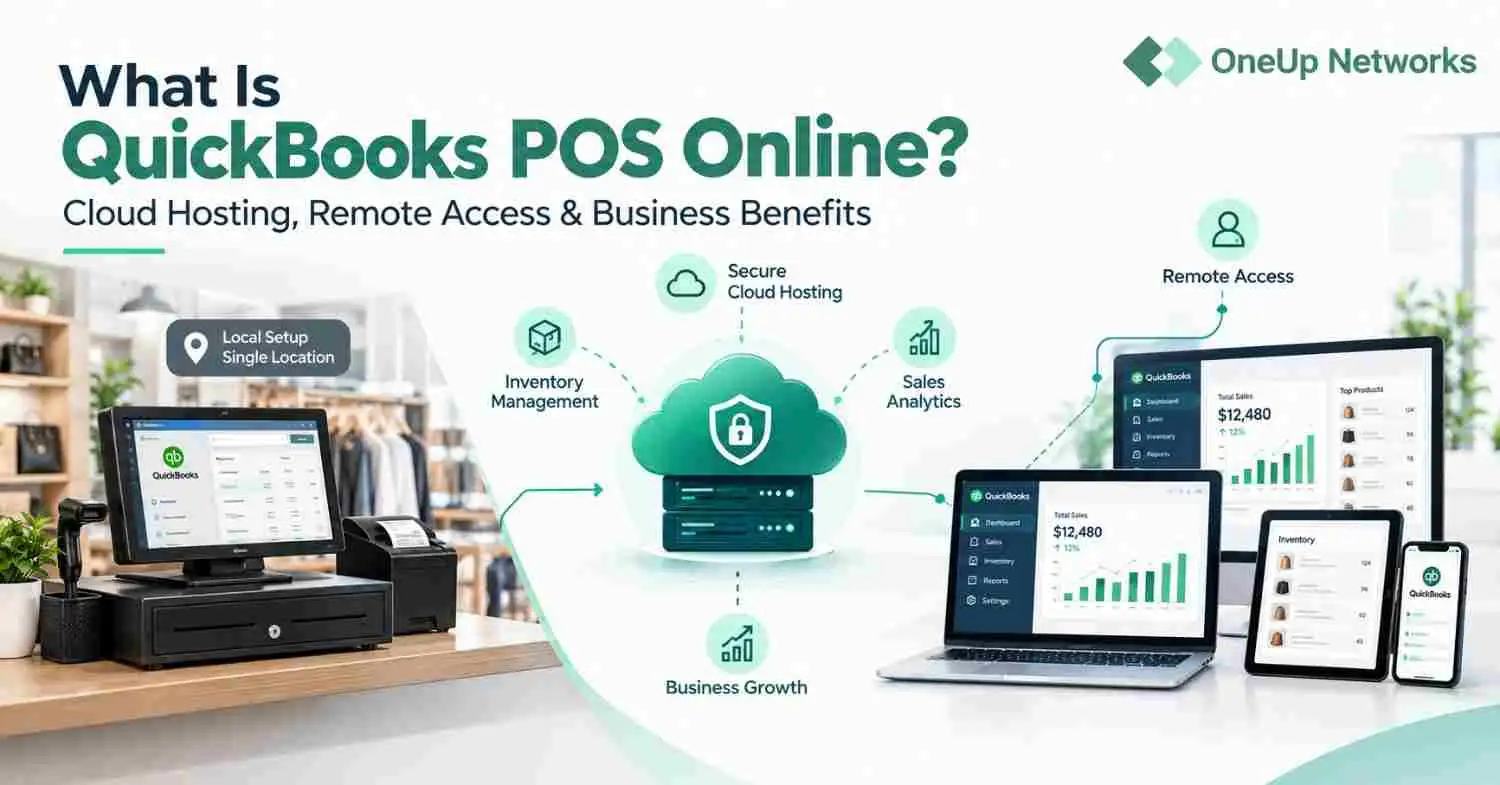
When it comes to hosting your accounting and tax firm’s data, there are two primary options to choose from: Cloud Hosting vs On-Premises Hosting. Each option has its own advantages and disadvantages, and the decision you make will depend on your specific needs and priorities.
First, let’s define these two options. Cloud hosting is a service provided by a third-party provider, where your data is stored on their servers and accessed through the internet. This option requires no upfront investment and offers greater flexibility and scalability.
On-premises hosting, on the other hand, involves hosting your data on your own servers, which are physically located on your premises. On-premises hosting, also known as self-hosting, involves purchasing and maintaining your own servers and hardware. This option requires a substantial upfront investment in hardware, infrastructure, and staff. However, it offers complete control and customization over your system.
Now, let’s compare the pros and cons of each option.
On-Premises Hosting:
Pros:
- Greater control: You have complete control over your data and infrastructure.
- No dependence on Internet connectivity: You don’t need an Internet connection to access your data.
- Lower long-term costs: While the initial investment in hardware may be higher, you won’t need to pay ongoing fees for a hosting provider.
Cons:
- Limited scalability: If your firm grows, you’ll need to invest in additional hardware and infrastructure to accommodate the increased demand.
- Limited mobility: You’ll need to be physically present on your premises to access your data.
- Greater security risks: You’ll be responsible for implementing and maintaining security measures to protect your data.
- Higher IT Support and Maintenance Costs: On-premises hosting requires a lot of technical expertise and resources to maintain, which can be expensive. Your IT staff needs to be trained on various aspects of hardware and software, and they have to deal with software updates, hardware failures, and other technical issues.
- Limited Disaster Recovery and Business Continuity Options: In the event of a disaster such as a fire, flood, or cyber attack, your firm’s data could be lost or compromised. Recovering your data from an on-premises system can be time-consuming and expensive, and it may not be possible to recover all of your data. This can lead to costly downtime for your business.
- Limited Flexibility and Mobility: On-premises hosting can limit your ability to work remotely or collaborate with clients. This can be especially challenging in today’s world, where remote work has become increasingly common. With on-premises hosting, you can only access your data from the office or a remote connection, which can be inconvenient and time-consuming.
- Limited Scalability: On-premises hosting can be challenging to scale as your business grows. Adding new servers or upgrading existing ones can be expensive and time-consuming. If you have a sudden spike in demand, you may not have the resources to handle it, which can result in costly downtime for your business.
Cloud Hosting:
Pros:
- Easy scalability: As your firm grows, you can easily increase your storage and computing resources with a cloud hosting provider.
- Increased mobility: You can access your data from anywhere with an internet connection, making it easier to work remotely or collaborate with clients.
- Lower upfront costs: You don’t need to invest in expensive hardware and infrastructure, as the provider takes care of all that for you.
- Enhanced security: Cloud hosting providers have robust security measures in place to protect your data from cyber threats.
Cons:
- Dependence on Internet connectivity: Your ability to access your data depends on a reliable Internet connection.
- Limited customization: You may be limited in terms of the software and applications you can use with cloud hosting.
So, which option is right for your accounting and tax firm? It ultimately comes down to your priorities. If you value easy scalability, increased mobility, and robust security measures, cloud hosting may be the way to go. If you prioritize greater control, and no dependence on internet connectivity, on-premises hosting may be the better option.
However, cloud hosting is rapidly becoming the preferred choice for accounting and tax firms due to automatic software updates, enhanced security measures, and access to data from anywhere with an internet connection. They also offer a range of pricing plans that can be customized to your business needs, making it easier to manage costs and scale up or down as needed.
On-Premises Hosting: Is It Time to Say Goodbye?
In today’s fast-paced business environment, it’s crucial to stay ahead of the curve. At OneUp Networks, we offer customized and expert cloud hosting solutions that are tailored to the unique needs of accounting and tax professionals.
Contact us today to learn more about how we can help you make the switch to cloud hosting.