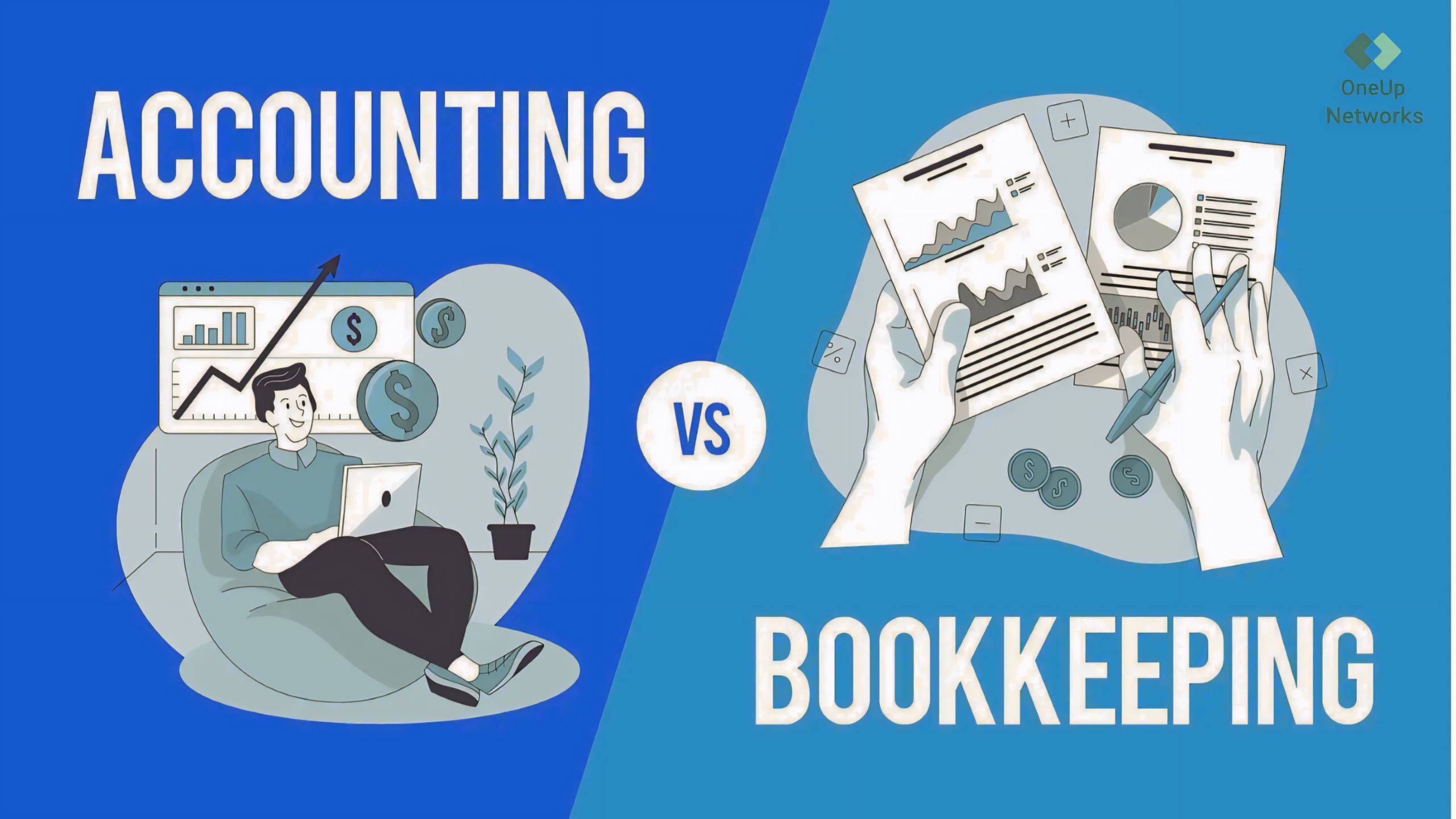
- Bookkeepers manage daily financial records, while accountants analyze financial information and support business decisions.
- Bookkeeping creates the foundation of accurate financial data that accountants use for reporting, tax preparation, and planning.
- Growing businesses often need both roles because operational recordkeeping and financial strategy require different expertise.
- Modern bookkeeping and accounting teams depend on software such as QuickBooks, tax applications, and cloud-based workflows.
- The right technology environment helps bookkeepers and accountants collaborate more efficiently while maintaining secure access to financial information.
The terms bookkeeper and accountant are often used interchangeably, especially by small business owners who are building their financial operations for the first time. While both professionals work with financial information, their responsibilities, level of analysis, and role in business decision-making are different.
A bookkeeper primarily focuses on maintaining accurate financial records by recording transactions, reconciling accounts, managing invoices, and keeping financial data organized. An accountant works with that information to prepare reports, analyze financial performance, support tax requirements, and provide broader financial guidance.
Understanding this difference helps businesses assign the right responsibilities to the right professional. As companies grow, many find that they need both bookkeeping support for accurate daily records and accounting expertise for financial planning, reporting, and compliance.
What Does a Bookkeeper Do?
A bookkeeper is responsible for maintaining the accuracy and organization of a company’s daily financial records. Their work creates the foundation that allows business owners, accountants, and financial advisors to understand the company’s current financial position.
Typical bookkeeping responsibilities include recording income and expenses, reconciling bank accounts, managing accounts payable and receivable, processing payroll information, and maintaining the general ledger. The focus is on ensuring that financial transactions are captured correctly and consistently.
For many businesses, a bookkeeper is the person who keeps financial operations running smoothly throughout the year. Without accurate bookkeeping, accountants may spend additional time correcting incomplete records instead of focusing on analysis, reporting, and strategic recommendations.
Example:
A bookkeeper at a small retail store logs daily transactions in QuickBooks Enterprise Hosting, reconciles weekly bank statements, and compiles monthly financial summaries for the owner.
What Does an Accountant Do?
An accountant takes financial information and turns it into meaningful insights that help businesses make better decisions. While bookkeepers focus primarily on recording and organizing transactions, accountants examine financial data to understand performance, compliance requirements, and future opportunities.
Accountants may prepare financial statements, assist with tax preparation, analyze expenses, review business performance, and provide recommendations based on financial trends. Their work often involves interpreting information rather than simply recording it.
For growing businesses, accountants play an important role in connecting daily financial activity with larger business objectives. They help owners understand what the numbers mean and how financial decisions can affect future growth.
Example:
An accountant reviews the annual books of a manufacturing company, files the corporate tax return, and provides insights into reducing production overhead for the next fiscal year.
Bookkeeper vs Accountant: Key Differences
Although both roles work with financial information, their daily responsibilities and objectives are different.
| Area | Bookkeeper | Accountant |
|---|---|---|
| Primary focus | Recording and organizing financial transactions | Analyzing financial information and providing guidance |
| Main responsibility | Keeping records accurate and updated | Turning financial data into reports and insights |
| Daily activities | Transactions, reconciliations, invoices, payroll records | Financial reporting, tax preparation, analysis |
| Business impact | Maintains accurate financial foundation | Supports planning and decision-making |
| Typical workflow | Continuous daily or monthly tasks | Periodic reviews, reporting, and strategic support |
The easiest way to understand the difference is simple: a bookkeeper helps ensure the financial records are correct, while an accountant helps explain what those records mean and how they can guide business decisions.
Does a Business Need a Bookkeeper, an Accountant, or Both?
The answer depends on the size, complexity, and stage of the business. A small business with limited transactions may initially manage basic bookkeeping internally with accounting software. However, as transaction volume increases, maintaining accurate records becomes more time-consuming and businesses often benefit from dedicated bookkeeping support.
Accountants become increasingly valuable when businesses need financial analysis, tax planning, reporting, compliance assistance, or strategic advice. Many growing organizations eventually use both professionals because each role addresses a different part of the financial process.
A useful way to think about the relationship is that bookkeeping creates reliable financial information, while accounting uses that information to support better decisions.
How Bookkeeping and Accounting Work Together
A strong financial workflow depends on both roles working together effectively. The bookkeeper usually handles the ongoing process of capturing financial activity. This includes ensuring transactions are categorized correctly, accounts are reconciled, and records remain updated.
The accountant then reviews and interprets this information. They use accurate records to prepare reports, identify trends, support tax requirements, and advise business owners on financial decisions.
When these roles are clearly defined, businesses avoid common problems such as incomplete records, delayed reporting, or spending expensive accounting resources on routine bookkeeping tasks.
How Technology Has Changed Bookkeeping and Accounting
The role of bookkeeping and accounting has evolved significantly with modern software. Today’s professionals are no longer working only with spreadsheets and paper records. They depend on accounting platforms, automation tools, tax applications, document systems, and cloud-based environments.
Applications such as QuickBooks Desktop, QuickBooks Online, tax preparation software, and business management tools allow teams to process information faster and collaborate more effectively. However, the technology environment supporting these applications has become just as important as the software itself.
For businesses with remote teams or multiple financial professionals, secure access to the right applications can directly affect productivity. A bookkeeper working on daily transactions and an accountant reviewing financial reports need reliable access to accurate information without unnecessary technology barriers.
Why Cloud Access Matters for Modern Accounting Teams
As accounting teams become more distributed, traditional office-based systems can create limitations. A bookkeeper may need access from one location while an accountant or business owner reviews information from another.
Cloud-based accounting environments help teams work with centralized data instead of transferring files between different systems. This reduces version-control issues and creates a more consistent workflow for everyone involved.
For businesses using applications such as QuickBooks Desktop, tax software, and other professional accounting tools, managed cloud hosting can provide the infrastructure needed for secure remote access, collaboration, and scalability.
Common Software Used by Bookkeepers and Accountants
Modern financial professionals rely on a wide range of applications depending on their responsibilities and industry.
| Software Category | Common Uses |
|---|---|
| Accounting software | Transaction management, reporting, financial records |
| Tax software | Tax preparation and compliance workflows |
| Document management systems | Organizing financial documents |
| Business applications | Supporting operations and reporting |
| Cloud platforms | Remote access and collaboration |
The specific software needs depend on the business, but reliable access and proper management become increasingly important as more applications are added to the workflow.
How OneUp Networks Supports Modern Accounting Workflows
Accounting professionals depend on technology that works reliably behind the scenes. OneUp Networks helps businesses, accounting firms, and tax professionals host critical applications in managed cloud environments designed around accessibility, security, performance, and support.
Instead of treating hosting as only server space, OneUp Networks focuses on the complete application environment, including infrastructure management, migration assistance, backups, and technical support. This approach helps teams continue using important applications such as QuickBooks, tax software, Microsoft applications, and other business tools while reducing the burden of managing complex IT systems.
For businesses building modern accounting workflows, the right technology foundation allows bookkeepers and accountants to focus on their core responsibilities rather than dealing with infrastructure challenges.
Frequently Asked Questions
A bookkeeper manages daily financial records and transactions, while an accountant analyzes financial information, prepares reports, supports tax work, and provides financial guidance.
Yes, some smaller businesses may only need bookkeeping support initially. However, as financial complexity increases, many businesses benefit from accounting expertise for reporting, compliance, and planning.
They often use many of the same platforms, but their usage may differ. A bookkeeper may focus on transaction entry and reconciliation, while an accountant may use the same data for reporting, analysis, and tax preparation.
Cloud access allows financial professionals to work from different locations while maintaining access to centralized applications and data, which supports modern remote and hybrid workflows.
Final Thoughts
The difference between a bookkeeper and an accountant is not about one role being more important than the other. Both contribute to financial success, but they support different stages of the financial process.
Bookkeepers create accurate financial records that businesses can rely on, while accountants use that information to provide deeper analysis, reporting, and strategic guidance. As businesses become more dependent on digital accounting systems, the technology supporting these roles has become an important part of maintaining efficient workflows.
A strong combination of skilled financial professionals and reliable technology allows businesses to manage daily operations while making better long-term decisions.
Modernize Your Accounting Workflow with OneUp Networks
Whether your team includes bookkeepers, accountants, CPAs, or finance professionals, reliable technology plays an important role in keeping financial operations accurate, accessible, and efficient. OneUp Networks helps accounting firms and businesses host their critical accounting applications in a secure managed cloud environment, enabling smoother collaboration, remote access, and simplified IT management.
From QuickBooks and tax applications to other business-critical software, OneUp Networks provides the infrastructure and technical support needed to help accounting teams focus on financial work instead of managing complex technology.
Take the next step toward a more efficient accounting workflow:
- Request a Quote – Get a customized hosting recommendation based on your applications, users, and business requirements.
- Book a Demo – See how a managed cloud environment can support better accessibility, collaboration, and accounting workflows.
- Start a Free Trial – Experience OneUp Networks cloud hosting with no upfront commitment and evaluate how it fits your firm’s needs.
With OneUp Networks, your accounting team gets a managed cloud environment built around performance, security, and reliable access — allowing bookkeepers and accountants to spend more time managing financial success while your technology infrastructure is handled by experts.