Key Takeaways
- Remote control is best for solo users or occasional access to one office PC. It is simple and requires minimal changes, but it does not scale well for multiple users.
- VPN is not a reliable shortcut for QuickBooks Desktop file access. It can create latency, H202/H505 errors, file locks, and connectivity issues, especially over long distances.
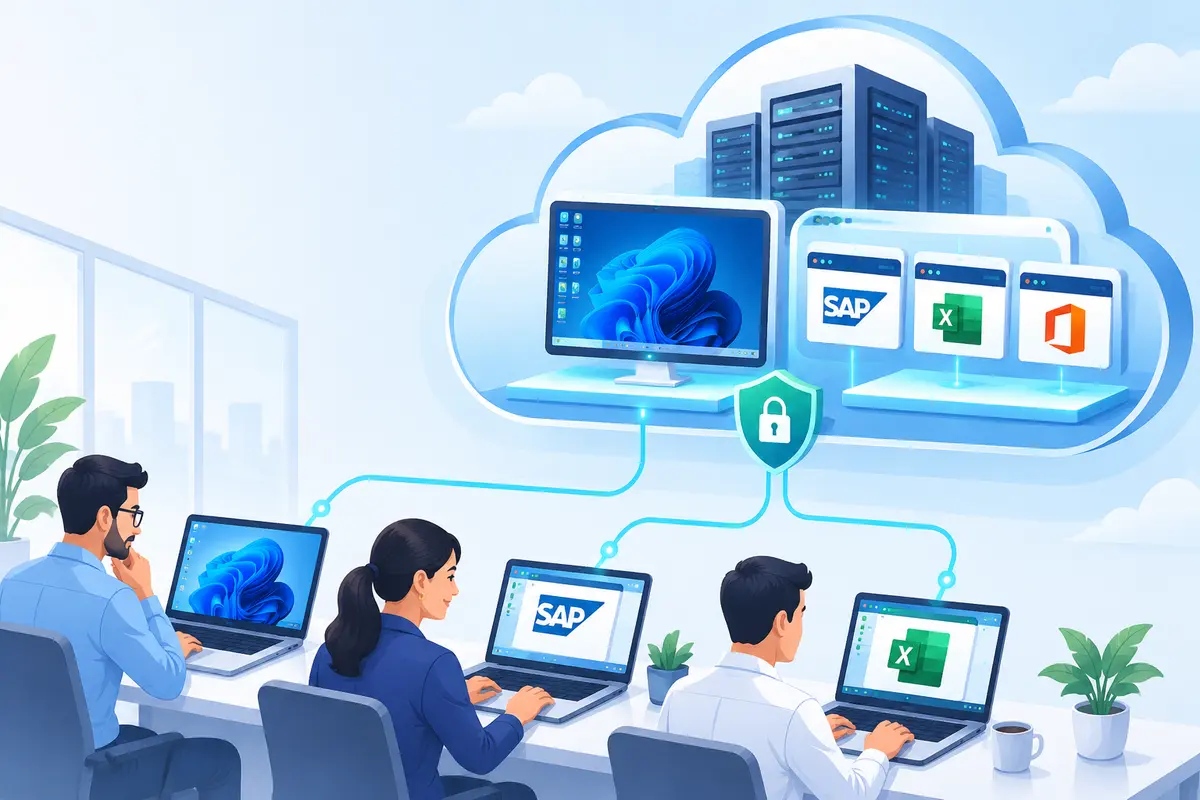
- Hosted QuickBooks Desktop is the strongest fit for teams that need Desktop and multi-user access. It keeps QuickBooks, company files, and add-ons in one managed Windows environment while allowing users to work remotely.
- QuickBooks Online is best for businesses ready for a browser-first workflow. It offers simpler access across PCs, Macs, tablets, and phones, but some Desktop features, reports, and workflows may not migrate cleanly.
- Security, downtime, and support should be part of the cost calculation. MFA, least-privilege access, backups, logging, and recovery planning matter just as much as the monthly subscription when handling payroll, tax, and client financial data.
QuickBooks Remote Access: 4 Ways to Work From Anywhere
The remote-work question is not going away. The U.S. Bureau of Labor Statistics reported that 35 percent of employed people did some or all of their work at home on days they worked in 2025. WFH Research found that U.S. work-from-home levels had largely stabilized at about 27 percent of paid workdays by early 2025. At the same time, the IBM Cost of a Data Breach Report 2024 put the global average cost of a breach at $4.88 million. If you handle payroll, tax returns, or client financials, remote access and security are the same conversation.
On the product side, Intuit has kept moving the market toward cloud and subscription models. Its current support pages say that as of October 1, 2024, it no longer sells new U.S. subscriptions for QuickBooks Desktop Pro Plus, Premier Plus, Mac Plus, and Desktop Enhanced Payroll, while existing subscribers can still renew. At the same time, Intuit’s August 5, 2026 update for QuickBooks Desktop 2024 says version 24.0 is getting continuous support and product maintenance with no sunset deadline for that release. That matters because many firms still depend on Desktop for industry-specific add-ons, inventory workflows, and accountant habits that do not map neatly to the web.
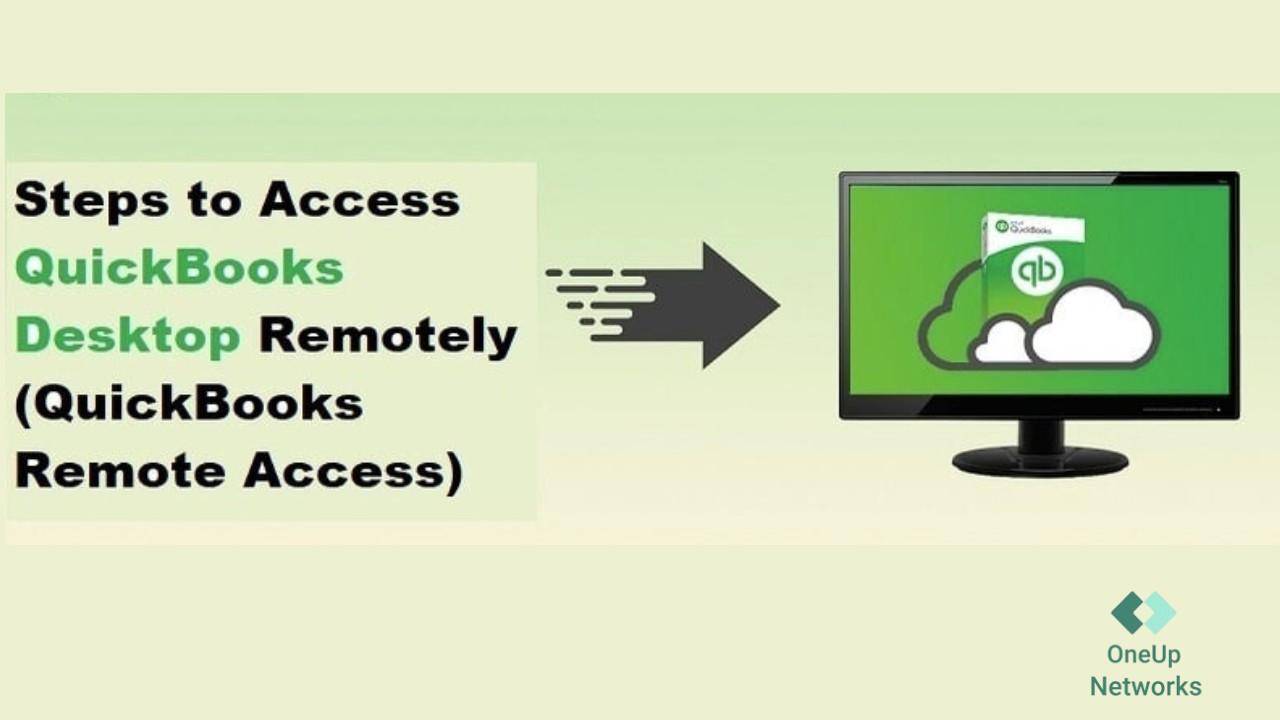
If you need QuickBooks remote access, the best solution depends on where QuickBooks is installed, where your company file is stored, how many people need simultaneous access, and how much IT management you’re willing to handle. For accounting firms, security, uptime, and collaboration matter just as much as convenience.
This guide compares the four most practical remote access options, explains the difference between QuickBooks Desktop remote access and QuickBooks Online, and helps you choose the safest setup for your team.
| Remote control of an office PC. | You leave QuickBooks on one office computer and use a tool like Splashtop, ConnectWise Control, TeamViewer, or Microsoft Remote Desktop to see and control that same screen from somewhere else. This usually fits a solo owner or one bookkeeper who needs occasional after-hours access and does not need several people in the file at the same time. |
| VPN plus the office network. | A VPN can connect you back to the office so QuickBooks can reach the company file, but Intuit lists VPN as a network type that is not recommended for QuickBooks Desktop when used across long distances. This can fit a carefully managed small setup, but it is the method most likely to turn cheap access into network headaches if users try to open the company file over an unstable remote link. |
| Hosted QuickBooks Desktop. | QuickBooks and the company file run on a central cloud Windows server, and users log into that environment from anywhere. This tends to fit firms that need desktop-only apps, concurrent users, and one stable place for QuickBooks plus the rest of the accounting stack. |
| QuickBooks Online. | You migrate to the browser-based product and work inside Intuit’s cloud instead of reaching back into the office. This fits businesses that do not depend on Desktop-only features and want simpler access from PC, Mac, tablet, or phone. |
The first decision is simple: are you trying to reach QuickBooks Desktop or use QuickBooks Online in a browser?
Before setting up remote access, decide which QuickBooks experience you actually need:
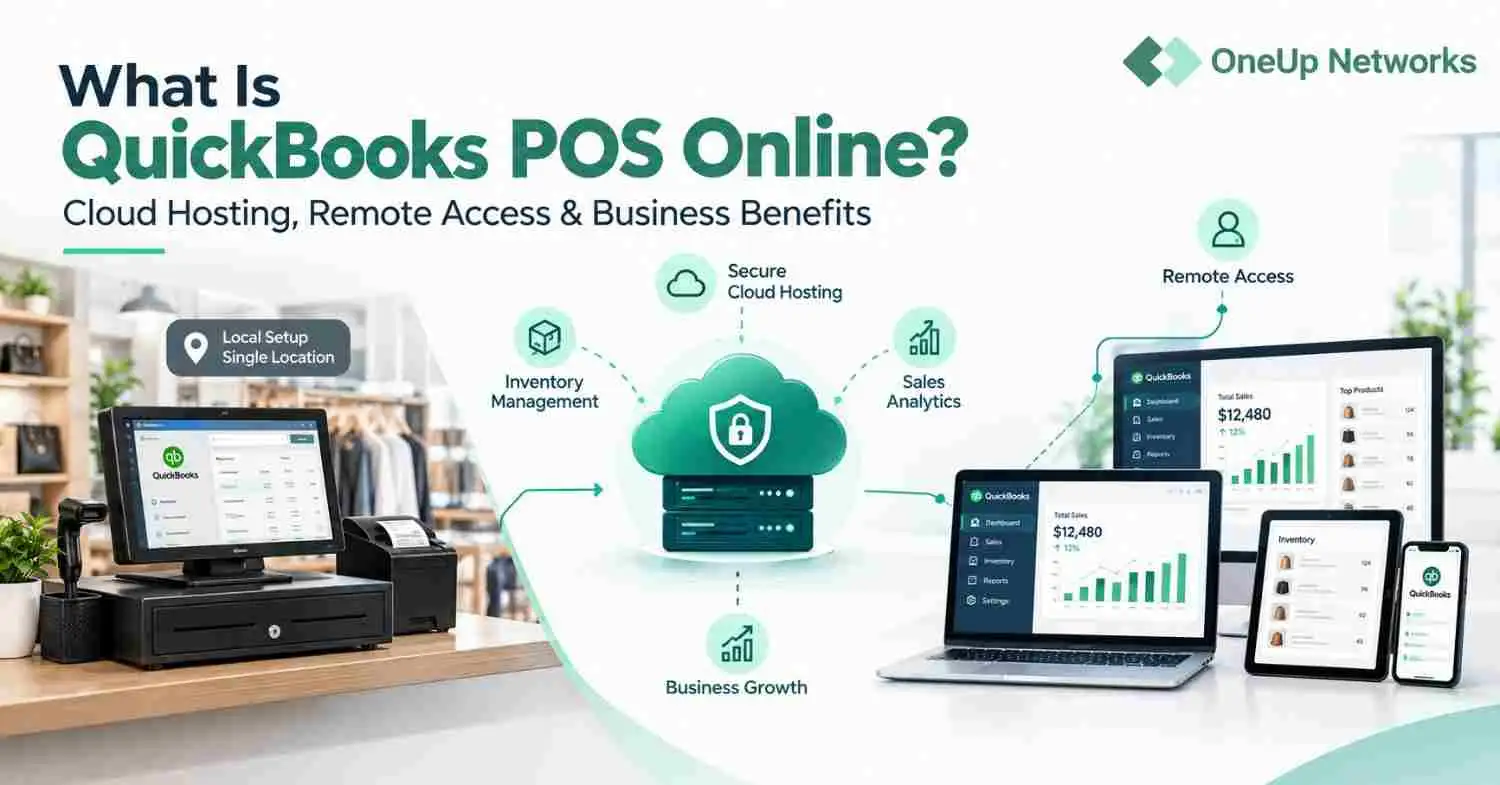
- QuickBooks Online: Runs in Intuit’s cloud, so you can access it through a web browser or mobile app from virtually any internet-connected device. When comparing Cloud Hosting vs QuickBooks Online, QuickBooks Online is fully browser-based, while cloud hosting gives you remote access to the full QuickBooks Desktop experience.
- QuickBooks Desktop: The software and company files remain on a Windows computer or server. Remote access lets you connect to that existing environment from another location, which is one of the biggest reasons to choose quickbooks desktop on cloud over quickbooks online for keeping desktop features while working remotely.
- Device flexibility: QuickBooks Online works across PCs, Macs, tablets, and phones, while Desktop workflows are primarily designed around Windows. Many of the latest updates in QuickBooks online for accounting, tax & finance firms also focus on improving browser-based access, mobile features, and cloud collaboration.
- Add-ons and compatibility: Desktop users should check compatibility carefully. QuickBooks Desktop 2024 requires 64-bit Windows, and some add-ons and services don’t work with QuickBooks Desktop for Mac.
- Why remote Desktop access matters: Many businesses want to keep their familiar Desktop setup while being able to work from home or another location.
- What this means for your choice: If you want simple access across multiple devices, QuickBooks Online is generally the more flexible option. If you need to keep your existing Desktop setup, remote or hosted QuickBooks Desktop may be a better fit.
If you only need occasional after-hours access, remote control can be the fastest fix
Remote desktop tools let you use QuickBooks Desktop from another device while the software stays installed on your office computer. Pairing them with the onedrive settings for remote desktop environments can also help keep files and backups synced more reliably.
How it works
- QuickBooks stays on your office PC.
- You connect to that PC remotely from home or another location.
- You control the office computer’s screen, keyboard, and mouse.
Basic setup
- Install a remote desktop tool on both devices.
- Enable secure sign-in (password + two-factor authentication if available).
- Keep the office PC turned on and prevent it from going to sleep.
Benefits
- Fast and easy to set up.
- No need to move your QuickBooks company file.
- Staff can keep using the same QuickBooks setup without retraining.
If your file lives in the office, VPN access sounds cheap until QuickBooks starts fighting the network
A VPN lets you connect to your office network, but opening a QuickBooks company file directly over a VPN is not the same as using QuickBooks remotely. It’s an important distinction when comparing Citrix vs VPN for QuickBooks access.
How VPN access works
- Connect to your office network through a VPN.
- Access the QuickBooks company file stored on the office server or computer.
- Requires proper QuickBooks hosting and network configuration.
Why people choose VPN
- Lower upfront cost.
- Lets employees connect to the office network from anywhere.
- Can work for remote access when set up correctly.
Best for
- Small teams with a stable office network.
- Occasional remote access, not heavy daily multi-user bookkeeping.
For teams that need QuickBooks every day, hosted QuickBooks Desktop is usually the cleanest middle path
Hosted QuickBooks Desktop lets your team access QuickBooks from anywhere without relying on one office computer, with QuickBooks Hosting Pricing based on users, hosting resources, and support.
How hosted QuickBooks works
- QuickBooks Desktop runs on a secure cloud server.
- The company file stays in one central location.
- Team members log into the same environment from any device.
Benefits
- Reliable multi-user access for remote teams.
- No dependency on a single office PC being turned on.
- Keeps desktop-only QuickBooks features and add-ons.
- Easy access from home, office, or while traveling.
Things to know
- Some QuickBooks Desktop tasks still require single-user mode, such as rebuilding data files, creating Accountant’s Copies, and certain setup or maintenance tasks.
- Multi-user access improves collaboration, but not every QuickBooks function can be used simultaneously.
If your workflow fits the web, QuickBooks Online removes a lot of remote-access friction
If your business doesn’t depend on QuickBooks Desktop-only features, QuickBooks Online is the simplest way to work remotely.
How QuickBooks Online works
- Open QuickBooks in a web browser.
- Sign in from any device with an internet connection.
- You can also use the QuickBooks mobile app.
Benefits
- Access from anywhere without a remote desktop or VPN.
- Works on Windows, Mac, tablets, and smartphones.
- Easy collaboration with accountants and bookkeepers.
- No office computer or server to manage.
The right answer depends on how your team works today and what you need QuickBooks to do next year
There is no single best way to access QuickBooks remotely.
The right choice depends on how many people need access, whether you rely on QuickBooks Desktop features, how much IT maintenance you want to handle, and how much security risk you are prepared to manage. Remote control can work well for occasional access, while VPNs require careful network management. For teams that need QuickBooks Desktop every day, hosted QuickBooks Desktop offers a more scalable way to keep the familiar Desktop environment while working from anywhere. And if your workflow no longer depends on Desktop-only features, QuickBooks Online can remove much of the remote-access complexity altogether.
For more information, go through our case studies to see how businesses solved real-world challenges and achieved measurable results with OneUp Networks.
Talk with us if you want QuickBooks remote access without rebuilding your whole office around it
Want reliable QuickBooks remote access without rebuilding your entire IT environment?
Talk to OneUp Networks. We’ll assess your current QuickBooks setup, number of users, add-ons, and security requirements to recommend the right remote access solution, whether that’s hosted QuickBooks, a secure VPN, QuickBooks Online, or another option that fits your business.
Book a personalized demo or start a free trial to see how a managed QuickBooks hosting solution gives your team secure remote access from anywhere. Plus, you’ll get free migration assistance, three-location backups, and 24/7 engineer support for a smooth, secure transition.