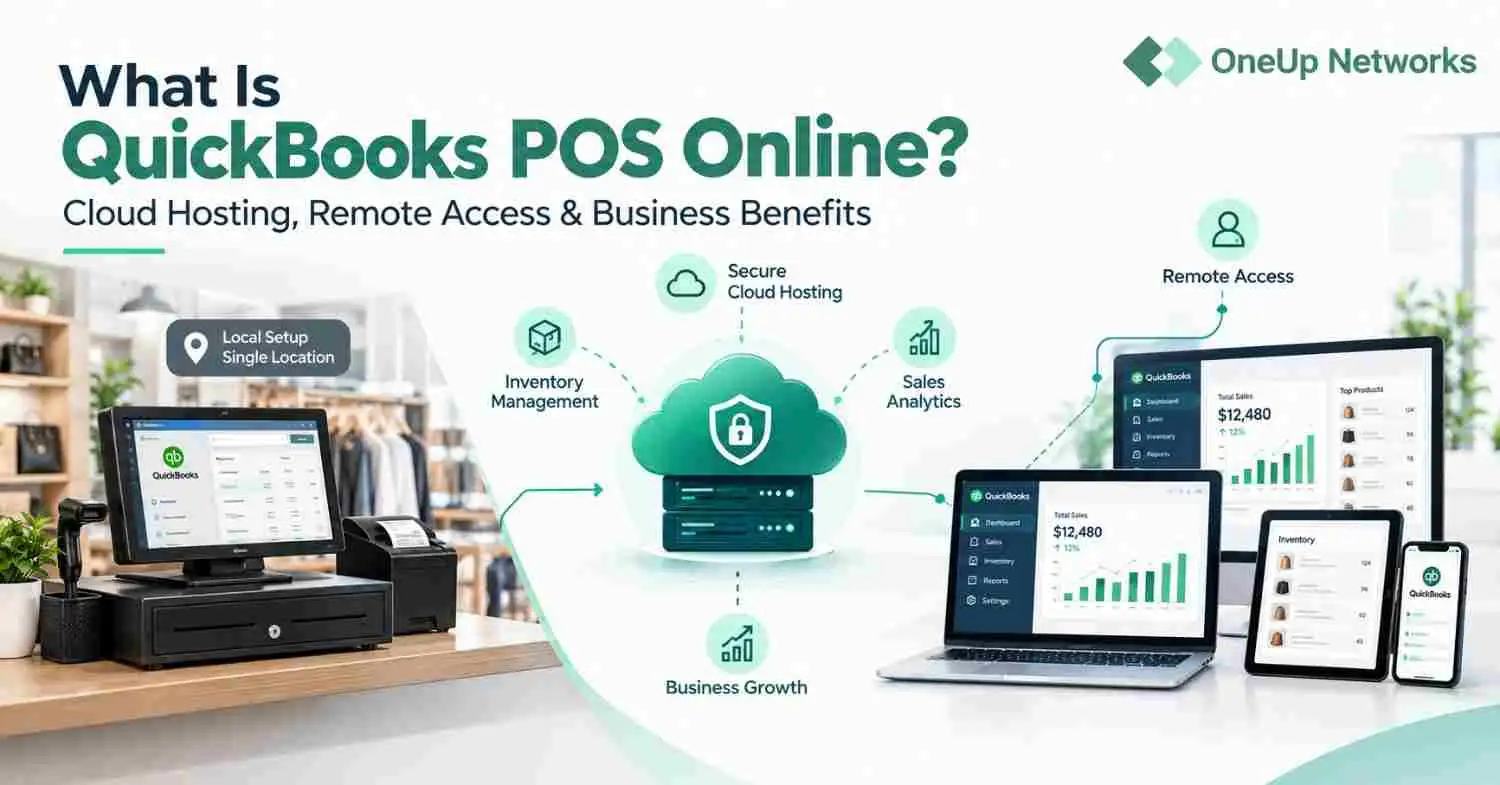
In today’s fast-paced accounting world, QuickBooks has become the go-to solution for businesses of all sizes. Whether you’re a small business owner, a CPA, or an accounting firm, QuickBooks offers powerful tools to manage your finances efficiently. However, one of the most common dilemmas businesses face is choosing between QuickBooks Desktop and QuickBooks Online—and more importantly, understanding how their respective add-ons can impact your workflow with QuickBooks Hosting.
With over 7 million users worldwide, QuickBooks dominates the accounting software market. But the decision between Desktop and Online versions isn’t just about the core software—it’s also about the add-ons that can supercharge your accounting processes. In this blog, we’ll break down the differences between QuickBooks Desktop Add-Ons and QuickBooks Online Add-Ons, helping you decide which is the right fit for your business.
QuickBooks Desktop Add-Ons: Power and Flexibility
What Are QuickBooks Desktop Add-Ons?
QuickBooks Desktop is the traditional, locally-installed version of QuickBooks. It’s known for its robust features and ability to handle complex accounting tasks. QuickBooks Desktop Add-Ons are third-party applications that integrate with the software to extend its functionality. These add-ons are particularly popular among businesses that need advanced features like inventory management, advanced payroll, or industry-specific tools.
Key Benefits of QuickBooks Desktop Add-Ons:
- Advanced Functionality: Desktop add-ons often offer more advanced features compared to their online counterparts. For example, tools like SOS Inventory and Fishbowl provide deep inventory management capabilities.
- Offline Access: Since QuickBooks Desktop is installed locally, you can use its add-ons even without an internet connection.
- Customization: Desktop add-ons are highly customizable, making them ideal for businesses with unique needs.
- Performance: Desktop add-ons typically run faster because they leverage the power of your local machine.
Popular QuickBooks Desktop Add-Ons:
- SOS Inventory: For advanced inventory tracking and management.
- Bill.com: For automated accounts payable and receivable.
- Gusto: For seamless payroll processing.
- Method:CRM : For integrating CRM functionality into QuickBooks.
QuickBooks Online Add-Ons: Convenience and Accessibility
What Are QuickBooks Online Add-Ons?
QuickBooks Online (QBO) is the cloud-based version of QuickBooks, offering anytime, anywhere access. QuickBooks Online Add-Ons are apps that integrate with QBO through the Intuit App Store. These add-ons are designed to enhance the functionality of QBO, making it a versatile tool for small to medium-sized businesses.
Key Benefits of QuickBooks Online Add-Ons:
- Cloud-Based Access: QBO add-ons can be accessed from any device with an internet connection, making them ideal for remote teams.
- Automatic Updates: Since QBO is cloud-based, add-ons are automatically updated, ensuring you always have the latest features.
- Ease of Use: QBO add-ons are generally easier to set up and use compared to Desktop add-ons.
- Scalability: QBO add-ons are perfect for growing businesses, as they can scale with your needs.
Popular QuickBooks Online Add-Ons:
- TSheets: For time tracking and employee scheduling.
- Receipt Bank: For automated receipt and expense management.
- Fathom: For advanced financial reporting and analysis.
- Shopify: For e-commerce integration.
QuickBooks Desktop Add-Ons vs. QuickBooks Online Add-Ons: Key Differences
| Feature | QuickBooks Desktop Add-Ons | QuickBooks Online Add-Ons |
|---|---|---|
| Accessibility | Requires local installation | Accessible from any device |
| Internet Dependency | Works offline | Requires internet connection |
| Customization | Highly customizable | Limited customization |
| Performance | Faster, leverages local hardware | Slightly slower, depends on internet speed |
| Cost | Higher upfront cost | Subscription-based, lower upfront cost |
| Scalability | Limited by local hardware | Easily scalable |
Which is Right for Your Business?
Choose QuickBooks Desktop Add-Ons If:
- You need advanced features and customization options.
- Your business operates in an industry with complex accounting needs (e.g., manufacturing, construction).
- You prefer offline access and faster performance.
- You have the IT infrastructure to support local installations.
Choose QuickBooks Online Add-Ons If:
- You need remote access and collaboration tools.
- Your business is growing rapidly and needs scalable solutions.
- You prefer automatic updates and ease of use.
- You want to reduce upfront costs with a subscription-based model.
The Role of QuickBooks Hosting in Enhancing Add-On Performance
Whether you choose QuickBooks Desktop or Online, QuickBooks Enterprise Hosting can take your experience to the next level. By hosting QuickBooks on the cloud, you can enjoy the best of both worlds:
- For Desktop Users: Hosting allows you to access your Desktop software and its add-ons remotely, eliminating the need for local installations.
- For Online Users: Hosting ensures faster performance and enhanced security, even for cloud-based add-ons.
FAQs
1. Can I use the same add-ons for QuickBooks Desktop and QuickBooks Online?
No, most add-ons are designed specifically for either Desktop or Online. However, some providers offer versions for both platforms.
2. Are QuickBooks Online Add-Ons more expensive than Desktop Add-Ons?
Not necessarily. While Desktop add-ons often have higher upfront costs, Online add-ons typically follow a subscription-based pricing model.
3. Can I switch from QuickBooks Desktop to QuickBooks Online and keep my add-ons?
You’ll need to check if your add-ons are available for QuickBooks Online. Some add-ons may not have an Online version, so you may need to find alternatives.
4. Is QuickBooks Hosting secure?
Yes, reputable hosting providers like OneUp Networks offer enterprise-grade security features, including encryption, multi-factor authentication, and regular backups.
5. Which version is better for CPAs and accounting firms?
It depends on your needs. QuickBooks Desktop is ideal for firms with complex requirements, while QuickBooks Online is better for firms that prioritize remote access and collaboration.
How OneUp Networks Can Help?
At OneUp Networks, we specialize in QuickBooks Hosting solutions that empower accountants and CPAs to work smarter, not harder. Whether you’re using QuickBooks Desktop or Online, our hosting services provide:
- Remote Access: Work from anywhere, anytime.
- Enhanced Security: Protect sensitive financial data with top-tier security measures.
- Seamless Integration: Host your QuickBooks add-ons on the cloud for improved performance and scalability.
- 24/7 Support: Our expert team is always available to assist you.
Ready to take your accounting workflow to the next level? Contact OneUp Networks today for a free demo and discover how our QuickBooks Hosting solutions can transform your business.
By choosing the right QuickBooks version and leveraging the power of add-ons, you can streamline your accounting processes and stay ahead of the competition. Whether you opt for QuickBooks Desktop or Online, OneUp Networks is here to support your journey with reliable, secure, and scalable hosting solutions.