If your paycheck has ever felt slightly off—lower than expected or inconsistent—it usually isn’t a payroll mistake. It’s almost always the result of how your W-4 was set up when you started the job.
Most people fill it out once and never revisit it. Months later, when the numbers don’t add up or a tax bill appears, it feels unexpected. In reality, nothing changed. The system followed the same instructions all year.
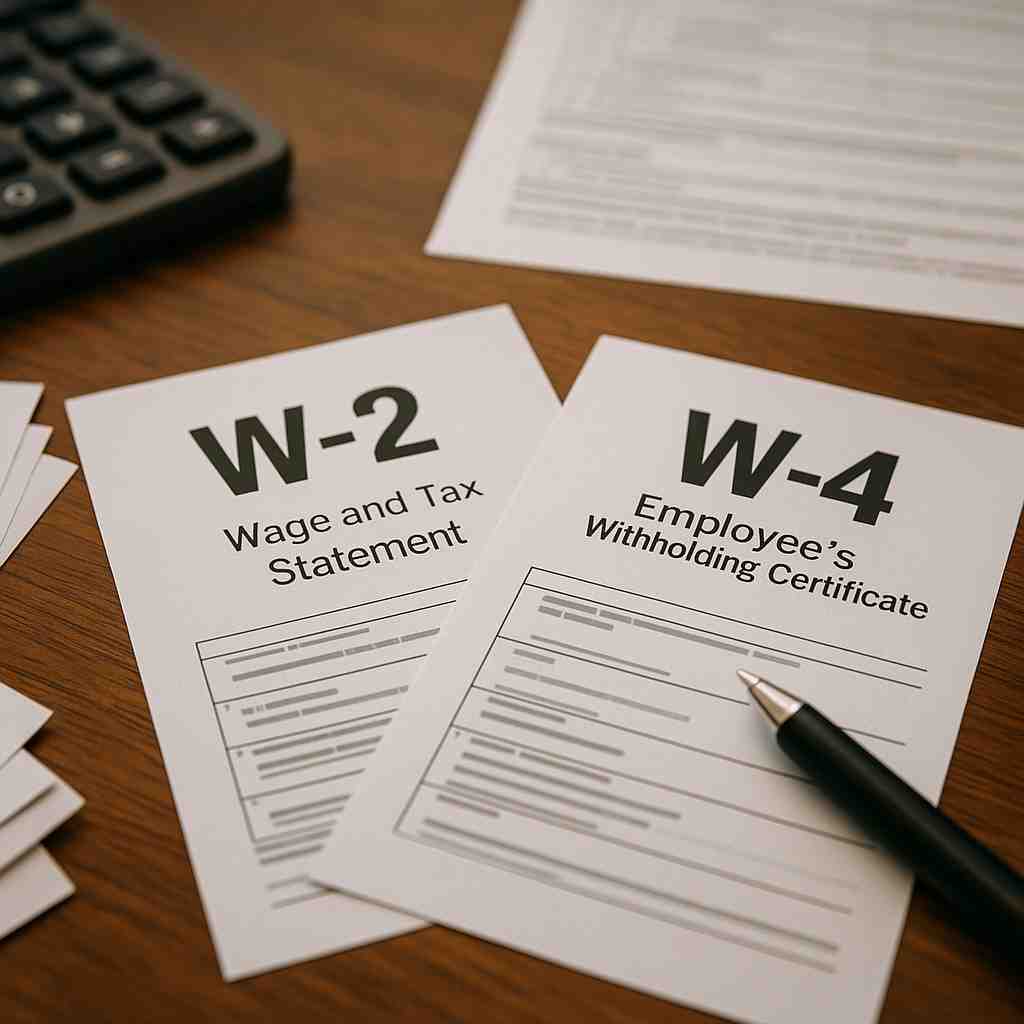
The confusion usually comes from not fully understanding two forms: w4 form vs w2 form. They are closely related, but they do completely different jobs. One determines how your taxes are handled throughout the year. The other shows the final result after everything has already happened.
If you understand how these two forms work together, you gain control over something most people leave to chance—how much of your income you actually keep, how accurate your taxes are, and whether you face surprises when you file. When you understand the basics of w2 vs w4, these forms become much easier to manage.
Why Your Paycheck Feels “Off” (Even When Nothing Is Broken)
Most people assume payroll errors when their paycheck doesn’t match expectations. In reality, payroll systems are highly consistent—they calculate exactly what they’re told to calculate.
If your W-4 was set up quickly or never updated, the system continues using that same information for every paycheck. That means even a small mismatch between your real situation and your W-4 can quietly affect your income for months. Nothing breaks. Nothing changes. But the result slowly drifts away from what you expected.
W-4 Form Basics (What Is a W4 Form?)
A W-4 form is completed by the employee and given to the employer. Its purpose is to guide how much federal income tax should be withheld from each paycheck. This is not a reporting form. It is a decision form.
The information you provide on your W-4 directly affects how your employer calculates withholding every time you are paid. If the information is accurate, your taxes remain balanced throughout the year. If it is outdated or incorrect, the impact builds gradually and only becomes visible later. The system doesn’t guess. It calculates based on what you provided.
What information is included in a W-4
- Filing status (single, married, etc.)
- Number of dependents
- Additional income from other sources
- Extra withholding, if requested
When the W-4 should be updated
- Starting a new job
- Getting married or divorced
- Having a child
- Taking a second job
- Any significant change in income
What the W-4 does not do
- It does not report your income
- It does not file your taxes
- It does not correct past withholding errors
It only affects future paychecks.
W-2 Form Basics (What Is a W2 Tax Form?)
A W-2 form is prepared by the employer at the end of the year. It summarizes your total earnings and the taxes that were withheld from your pay over the entire year. If the W-4 is about setting instructions, the W-2 is about confirming results.
Employees receive this form by January 31 and use it to file their federal and state tax returns. The W2 form doesn’t create the outcome—it reveals it.
The information included in a W-2
- Employee’s legal name and Social Security number
- Employer’s name, address, and EIN
- Total wages, tips, and compensation
- Federal income tax withheld
- Social Security wages and tax
- Medicare wages and tax
- State and local tax details (if applicable)
The form is structured into labeled boxes, each representing a specific part of your income or tax deductions. It does not change anything—it simply reports what has already taken place.
W2 vs W4: Side-by-Side Comparison
| Feature | W-4 Form | W-2 Form |
|---|---|---|
| Who completes it | Employee | Employer |
| Purpose | Determines tax withholding | Reports annual earnings and taxes |
| When it is used | At hiring and when updates are needed | At the end of the year |
| Effect on paycheck | Directly affects every paycheck | Does not affect paycheck |
| Role in tax filing | Not used for filing | Required for filing taxes |
| Type of form | Instruction | Summary |
If the W-4 is set correctly, the W-2 rarely surprises you. When it’s not, the difference becomes visible at the worst possible time—when you file, which is often the point where comparisons like w-2 vs w-4 become relevant.
How the System Works in One Line
W-4 → Payroll Withholding (every paycheck) → W-2 → Tax Filing Outcome This sequence explains everything. If the W-4 is accurate, the W-2 will reflect balanced withholding. If it’s not, the difference becomes visible at the end of the year—when you file your taxes.
How These Forms Work Together Throughout the Year
The relationship between these forms is simple but important. The W-4 sets the rules at the beginning, and those rules continue to operate quietly in the background. Every paycheck is calculated using that information. Over time, those calculations add up. At the end of the year, the W-2 shows the total effect of those decisions.
What matters is not just understanding the difference—but recognizing that small decisions on your W-4 continue affecting every paycheck until you change them, which becomes clearer when viewed as w-4 vs w-2 in real-world scenarios. This becomes clearer when comparing w4 vs w2 in real scenarios. This is why problems are often discovered late. Nothing breaks during the year. The system continues to function, but it is following instructions that may no longer match your situation.
Real Example: Where Most People Make a Mistake
Consider someone who starts a second job but does not update their W-4. The employer continues withholding tax based on the original information. Each paycheck appears normal, and there is no immediate indication that anything is wrong.
By the end of the year, the W-2 shows a higher total income, but the amount of tax withheld does not match that increase. When the tax return is filed, the difference becomes clear, often resulting in an unexpected tax bill. The issue isn’t that something went wrong. It’s that nothing was updated.
What Most People Miss About Multiple Jobs
When you have more than one job, each employer calculates your taxes as if that job is your only source of income.
That means:
- Job 1 calculates tax based only on its income
- Job 2 does the same
Neither employer sees the full picture. As a result, the total tax withheld is often lower than required. This is one of the most common reasons people owe money at the end of the year, even when everything seemed correct during the year.
Simple Example (Why This Happens)
Let’s say:
- Job 1 pays $3,000/month
- Job 2 pays $2,000/month
Each employer calculates tax as if that job is your only income:
- Job 1 withholds tax as if you earn $3,000/month
- Job 2 does the same for $2,000/month
But your actual income is $5,000/month. Because higher income is taxed at higher rates, the total tax withheld from both jobs is usually less than what’s required on $5,000/month combined income.
That difference is why people often owe money at the end of the year—even when nothing seemed wrong during the year.
When You Should Pay Attention to These Forms
You do not need to think about these forms constantly, but there are specific moments when they matter more:
- When starting a new job
- When your income changes
- When you take on additional work
- When your personal situation changes
- Before filing your tax return
These are the points where small adjustments prevent larger issues later.
How to Check If Your W-4 Is Still Accurate
You don’t need to wait until tax season to find out if something is off. There are clear signals that your withholding may not match your situation.
Review your W-4 if you notice:
- You owed taxes last year
- You received a very large refund
- Your income changed but withholding stayed the same
- You started working multiple jobs
- Your paycheck doesn’t match your expectations
These signs don’t always mean something is wrong—but they are strong reasons to review your setup.
Common Mistakes and How to Avoid Them
Most problems are not caused by misunderstanding the forms, but by not updating them when needed.
Common mistakes
- Filling out a W-4 once and never reviewing it
- Assuming payroll automatically adjusts withholding
- Ignoring W-2 details before filing taxes
- Confusing the purpose of each form
How to avoid them
- Review your W-4 at least once a year
- Update it after major life or income changes
- Check your W-2 carefully for accuracy before filing
Important Insight Most People Miss
A tax refund is not extra income. It simply means you paid more tax than necessary throughout the year. In other words, part of your paycheck was withheld earlier than needed and returned later.
At the same time, owing taxes usually means your withholding didn’t reflect your actual income. Both outcomes come from the same source: how your W-4 was set.
Quick Action Guide (What You Should Do Now)
If you’re unsure about your current setup, this is the fastest way to take control:
- If you had a life change this year → update your W-4
- If your refund was large → consider reducing withholding
- If you owed taxes → increase withholding
- If you have two or more jobs → adjust Step 2 on your W-4
- If your income changed → review your withholding
A small update now prevents a much larger issue later.
How to Adjust Your W-4 (Without Guessing)
If you want to make a precise adjustment instead of estimating:
- Use Step 2 on the W-4 if you have multiple jobs
- Use Step 3 to account for dependents
- Use Step 4(c) if you want extra tax withheld from each paycheck
If you’re unsure how much to adjust, the easiest way is to use the withholding estimator provided by the Internal Revenue Service. It calculates a recommendation based on your actual income, so you don’t have to rely on guesswork.
Latest Updates on W-2 and W-4 (2026–2027)
Tax forms like the W-2 and W-4 don’t change dramatically every year, but the rules behind them are updated regularly. These updates affect how accurately your taxes are withheld and reported.
W-4 Updates
- Ongoing emphasis on accurate withholding
The IRS continues to encourage employees to review and update their W-4 regularly, especially after changes in income, filing status, or number of dependents. - Refined withholding calculations
Updated IRS tax tables and formulas are used by employers to calculate withholding more precisely, helping reduce under- or over-withholding. - Structured steps remain important
The current W-4 format—with steps for multiple jobs, dependents, and additional withholding—remains central to how tax withholding is calculated.
W-2 Updates
- Annual adjustments to tax limits and thresholds
Wage limits for Social Security and changes in tax brackets are updated periodically, which affects how income and taxes are reported on the W-2. - Consistent form structure
The W-2 format itself remains largely unchanged, but the values reported reflect updated tax rules each year. - Increased focus on reporting accuracy
As tax calculations become more precise, any mismatch between withholding and actual income becomes more visible at year-end.
What This Means for You
- Even small changes in tax rules can affect your paycheck
- Keeping your W-4 updated helps avoid surprises later
- Your W-2 will reflect these updates when you file your taxes
Key Takeaway
The forms may look the same, but the numbers behind them change.
Staying updated ensures that your withholding stays aligned with your actual income—so your results at year-end are predictable.
Practical Questions People Often Ask
Your employer provides it. Most companies make it available through a payroll system or send it by email or mail.
By January 31 each year. If you do not receive it, you should contact your employer.
If too little tax is withheld, you may owe money. If too much is withheld, your paycheck will be smaller, and you may receive a refund later.
Conclusion
The difference between W-2 and W-4 is not complicated, but it is often misunderstood. One form controls how your taxes are handled during the year, and the other shows the final result after everything has been processed.
Most people only discover their tax situation after the year is over. But once you understand how your W-4 shapes every paycheck—and how your W-2 reflects those decisions—you stop reacting to taxes and start controlling them in real time.
Improve How Your Firm Handles Payroll and Year-End Tax Forms
If your firm manages W-2s, W-4 updates, or payroll workflows in desktop accounting software, a secure cloud environment can make a noticeable difference. It allows your team to work faster, reduces delays during peak periods, and simplifies how forms are handled across the year.
With the right setup, payroll processing becomes more consistent, form management becomes easier, and your data stays protected—even during your busiest months.
Explore what works best for your firm:
- Request a Quote – Get pricing tailored to your firm’s size, workload, and compliance needs
- Book a Demo – See how a hosted environment supports smoother payroll and year-end reporting
- Start a Free Trial – Test your accounting software in a secure, optimized cloud workspace
Also Check Out These Related Articles:
- W-2 vs W-4 : What’s the Difference and Why It Matters for Employees and Employers
- QuickBooks Enterprise FAQs: Everything You Need to Know
- Confused by QuickBooks Signup Pages? Here’s the Guide Every User Needs
- Which QuickBooks Enterprise Versions Fits Your Business Needs?
- From Preparation to Submission: Mastering 1099 Form Requirements for Contractors