
Quick Summary
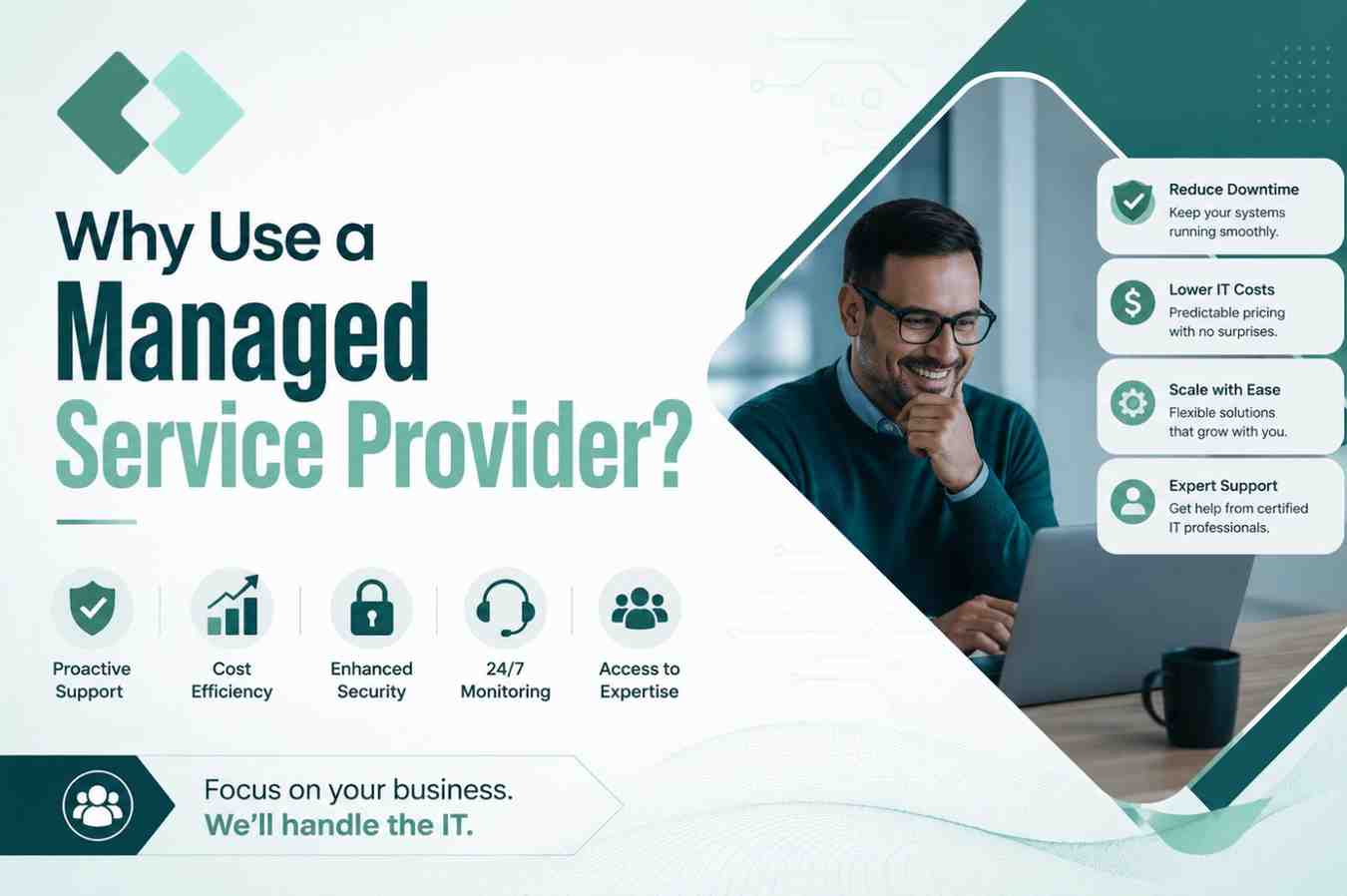
You should use a Managed Service Provider (MSP) when your business has a clear IT capability gap—such as limited support coverage, missing specialist expertise, inconsistent IT operations, or an internal team overloaded with day-to-day work. The right MSP should improve measurable outcomes without taking unnecessary control away from your business.
- Benefits: additional expertise, broader support coverage, more consistent IT processes, and scalable operational capacity.
- Costs: compare the full service scope, internal staffing, tools, projects, licensing, and transition costs—not just the monthly MSP fee.
- Risks: unclear responsibilities, excessive provider access, weak offboarding terms, hidden exclusions, and dependence on undocumented provider-controlled systems.
- How to choose: select an MSP based on defined SLAs, proven service processes, secure access controls, transparent responsibilities, and measurable improvements—not the size of its toolset.
A business should consider a Managed Service Provider (MSP) when its internal team cannot consistently provide the IT coverage, expertise, processes, or scalability the organization needs. The right MSP can take responsibility for defined operational tasks, provide specialist skills, improve support consistency, and reduce the amount of routine IT work handled internally.
That does not mean outsourcing IT is automatically cheaper, safer, or better. The decision should be based on specific capability gaps, the level of control your business wants to retain, the total cost of each option, and whether the provider can demonstrate that its services will improve measurable outcomes.
If you are still researching the fundamentals, start with our complete guide to what a Managed Service Provider is and what MSPs do. This guide focuses on the next question: Should your business actually hire one?
Key Takeaways
- Hire an MSP to solve a defined operational problem, not because managed IT sounds easier. Start by identifying the capability your current team cannot maintain consistently.
- Evaluate total business value rather than monthly price alone. Include staffing, tools, specialist expertise, internal time, support coverage, projects, transition costs, and business disruption.
- The contract matters as much as the technology. Service scope, access, response expectations, exclusions, data ownership, reporting, and exit responsibilities should be clear before the engagement begins.
When Is an MSP Worth Using?
An MSP becomes valuable when an important IT responsibility repeatedly falls between the gaps of your existing people, tools, and processes.
A growing company may have a capable internal administrator but no reliable coverage when that person is unavailable. Another business may have good help-desk support but lack specialist knowledge in cloud infrastructure, identity, backups, or security. A third may discover that its IT team spends so much time responding to routine tickets and maintenance that strategic projects rarely get completed.
Warning signs often appear operationally before they appear financially. Backups may run without anyone regularly validating recovery. Patching becomes inconsistent. Documentation falls behind. Former employee accounts remain active longer than they should. One person holds most of the technical knowledge. Support demand grows faster than IT hiring.
In these situations, the value of an MSP comes from closing a specific capability gap. The provider’s list of tools is secondary.
The Five Capability Gaps an MSP Can Close
Most businesses considering managed IT are dealing with one or more of five gaps.
A coverage gap appears when the existing team cannot provide sufficient support during leave, after-hours incidents, busy periods, or business growth. An MSP can extend support and monitoring capacity, but businesses should distinguish automated monitoring from a live help desk or after-hours engineering response because those are different services.
A skills gap occurs when the organization needs expertise that would be difficult to maintain internally across every required discipline. An internal IT generalist may understand the business extremely well while still needing specialist help with cloud infrastructure, networking, identity, backup, or security.
A process gap develops when recurring work has no consistent owner. Patching, backup review, account lifecycle management, documentation, monitoring, and escalation all become more reliable when responsibility is assigned and measured.
A visibility gap exists when leadership cannot easily answer basic questions about devices, applications, accounts, administrative access, warranties, cloud services, or technical dependencies. Good managed IT should improve documentation rather than make the customer more dependent on the provider.
Finally, a scale gap appears when IT demand grows faster than the business can realistically recruit and develop internal staff. An MSP can add operational capacity, provided the agreement explains how additional users, devices, locations, and services affect cost.
How Does an MSP Relationship Work?
A good managed-services relationship should follow a defined operational lifecycle rather than beginning with software installation.
Discovery and Scope
The process starts with understanding the environment. The provider should review users, devices, servers, cloud services, applications, support requirements, existing vendors, known risks, and business priorities.
The objective is to determine what the MSP will manage and what the customer will continue to own.
Service Agreement and Responsibility
The next stage defines the service scope, support hours, priorities, escalation paths, security responsibilities, exclusions, reporting expectations, and commercial terms.
This is where vague promises should become specific responsibilities.
“24/7 support,” for example, could mean automated monitoring, an emergency escalation service, or a staffed user help desk. Those are not the same thing and should not be purchased as if they are.
Onboarding
Once the scope is agreed, the provider documents the environment, establishes approved access, configures management tools, confirms escalation contacts, reviews existing risks, and transitions responsibility from the previous support model.
Good onboarding should improve documentation and visibility rather than simply install remote-management software.
Ongoing Operations
After onboarding, the relationship moves into recurring service. Depending on scope, this may include user support, monitoring, maintenance, patching, backup oversight, cloud operations, vendor coordination, documentation, and issue escalation.
The important distinction is that managed IT converts recurring technical responsibilities into repeatable operational processes.
Reporting and Improvement
A mature MSP relationship should not be measured only by the number of tickets closed.
Regular reviews should help identify recurring issues, capacity concerns, lifecycle risks, support trends, security gaps, and upcoming business changes. The purpose is to improve the environment over time, not simply respond to the same incidents repeatedly.
Offboarding
Exit planning belongs at the beginning of the relationship, not the end.
The agreement should explain how documentation, credentials, data, configurations, and administrative access will be returned or transferred if the relationship ends.
In-House IT vs. Co-Managed IT vs. Fully Managed MSP
The best model depends on what your business wants to retain internally.
| Business Situation | In-House IT | Co-Managed IT | Fully Managed MSP |
|---|---|---|---|
| No internal IT team | Weak fit | Possible | Strong fit |
| Existing IT leader needs extra capacity | Possible | Strong fit | Possible |
| Highly specialized internal systems | Strong fit | Strong fit | Depends on provider |
| Extended support coverage required | Expensive to build | Strong fit | Strong fit |
| Routine support consumes internal IT time | Possible | Strong fit | Strong fit |
| Direct internal control is essential | Strong fit | Strong fit | Lower fit |
| Rapid growth without equivalent IT hiring | Expensive | Strong fit | Strong fit |
- In-house IT usually makes sense when direct control and deep company-specific knowledge are strategically important.
- Co-managed IT works well when an existing internal team wants to retain strategy or specialized systems while outsourcing selected operational responsibilities.
- Fully managed IT can fit businesses that do not have enough internal capacity to operate day-to-day technology consistently.
The correct model is the one that creates the clearest division of responsibility with the least unnecessary duplication.
What Benefits Should an MSP Actually Deliver?
Generic claims such as “peace of mind” are difficult to evaluate. MSP value should appear in operational outcomes.
A capable provider may improve support coverage, give the business access to specialized skills, make recurring maintenance more consistent, improve technical documentation, reduce the amount of routine work handled internally, and create clearer ownership when problems occur.
These outcomes should be measurable. If recurring incidents continue, backups are never recovery-tested, documentation remains incomplete, or internal staff spend as much time managing the provider as they previously spent managing IT, the relationship may not be producing the expected value.
The question should therefore be: What will operate better after we hire this MSP, and how will we prove it?
What Does a Managed Service Provider Cost?
There is no reliable universal MSP price because service scope varies substantially. Pricing may depend on the number of users or devices, support coverage, infrastructure complexity, cloud services, security responsibilities, applications, locations, backup requirements, and whether project work or licensing sits inside or outside the recurring fee.
For this reason, comparing an MSP proposal only with one employee’s salary can be misleading. A useful comparison should include internal salaries and benefits, training, management time, support tools, monitoring platforms, specialist contractors, after-hours coverage, project costs, and the business impact of unresolved IT problems.
Similarly, a low monthly MSP price may become less attractive if projects, onboarding, additional users, licenses, cloud consumption, or after-hours services are billed separately. Build the comparison around the complete three-year cost and service scope, not the headline monthly number.
How Should You Calculate MSP ROI and Business Value?
MSP value cannot be reduced to one guaranteed percentage.
A more practical framework is:
MSP Value = Capability Gained + Internal Time Recovered + Disruption Avoided + Risk Reduced − Total Service and Transition Cost
This is a decision framework, not a financial guarantee. Start with your current position. Record support backlogs, repeat incidents, patching gaps, backup failures, downtime, missing documentation, specialist contractor costs, and the amount of staff time consumed by routine IT.
Then define what should change after the MSP takes responsibility. The provider should be able to connect its pricing to measurable improvements rather than relying on broad claims about productivity or security.
What Risks Can Reduce MSP Value?
Outsourcing IT transfers operational responsibility, but it also creates a third-party dependency that needs to be managed.
Provider dependency becomes a problem when the MSP controls critical documentation, cloud accounts, credentials, or configurations that the customer cannot readily access. Your organization should retain ownership and appropriate access to its data, domains, tenants, documentation, and core administrative accounts.
Unclear scope creates disputes when the customer assumes application support, security response, after-hours work, or major changes are included but the provider treats them as additional services. A responsibility matrix can prevent many of these problems.
Third-party security risk also matters because an MSP may hold privileged access to customer systems. Provider access should be limited to what is required, protected with strong authentication, logged, and removed when no longer necessary.
Cost growth can occur when user counts, cloud resources, licenses, projects, or annual increases are not modeled before signing.
Finally, offboarding risk appears when nobody has agreed how data, documentation, configurations, and administrative access will be transferred at the end of the contract.
These are not reasons to avoid MSPs. They are reasons to manage the relationship professionally.
How Do You Choose the Right MSP?
Look for evidence instead of relying on feature lists. When a provider claims fast response times, ask how it prioritizes requests and which reports demonstrate actual response performance. For backup protection, ask how the provider monitors backups, who handles recovery, and whether the team regularly validates restores. Security claims also require specifics, so ask how the provider controls and logs privileged access. If a provider advertises 24/7 support, clarify which staff members remain available around the clock and what issues they can resolve.
Your evaluation should also cover the people who will support your environment. Ask about escalation beyond first-line support, subcontractors, vendor coordination, account ownership, reporting, and how the service will adapt as your company grows.
A trustworthy provider should be comfortable explaining limitations and exclusions as clearly as benefits.
Use the First 90 Days to Validate the Relationship
The first three months should produce evidence that the service is improving the environment. Documentation should become more complete. Support priorities and escalations should work as agreed. Backup failures should be addressed rather than merely reported. Privileged access should be controlled. Recurring problems should receive root-cause attention. Reports should explain business risks and outcomes instead of simply listing ticket counts.
Internal employees should also recover time. If your team continues duplicating the provider’s work, correcting basic errors, or repeatedly explaining information that should already be documented, investigate the operating model before expanding the relationship.
An MSP should become easier to work with as it learns the environment—not harder.
When Should You Not Use an MSP?
An MSP may not be the right solution when your internal team already provides the expertise and coverage you need, your systems require specialized knowledge that an external provider cannot improve, or your business needs direct control over its technology.
You also should not outsource simply because your internal processes lack clarity. If your team does not know which systems are critical, who owns key accounts, how applications depend on one another, or what outcomes you expect from a provider, outsourcing will only move the confusion elsewhere instead of solving it.
In some cases, you do not need a fully managed MSP. A smaller co-managed engagement can address a specific gap while your internal team maintains control of its technology.
Questions to Ask Before Signing an MSP Agreement
Before selecting a provider, make sure you can answer these questions: What exactly is included in the recurring service? What is excluded? How are incidents prioritized and escalated? Who owns accounts, data, and documentation? How is privileged access secured? Which subcontractors can access the environment? What reporting will demonstrate performance? How will costs change as the organization grows? And what happens to data, documentation, and access when the relationship ends?
If those answers are unclear before signing, they are unlikely to become clearer during an incident.
Frequently Asked Questions
Sometimes, but not automatically. Compare the complete cost of each model, including salaries, benefits, tools, training, specialist contractors, management time, after-hours coverage, transition expenses, and services excluded from the MSP fee.
Yes. A co-managed model allows internal IT to retain strategy, business knowledge, or specialized systems while the MSP manages agreed operational responsibilities such as support, monitoring, patching, backups, or cloud infrastructure.
An MSP can help operate agreed security controls more consistently, but outsourcing also introduces third-party risk. Businesses should evaluate the provider’s own security practices, limit privileged access, document responsibilities, and retain appropriate oversight.
Measure outcomes such as recurring incident reduction, support responsiveness, patch coverage, backup and recovery validation, documentation quality, unresolved ticket backlog, system availability, and internal employee time recovered.
Choosing primarily on price or the number of tools included. The better provider is the one whose service scope, expertise, operating processes, security model, reporting, and responsibilities fit the needs of your business.
Conclusion: Use an MSP to Close a Defined Capability Gap
The strongest reason to use a Managed Service Provider is not that outsourcing IT is automatically cheaper or easier. It is that the provider can close an operational gap more effectively than the alternatives available to your business.
Start by defining what is not working today. Determine whether that problem requires additional people, specialist skills, better processes, extended coverage, or a combination of those capabilities. Then compare in-house, co-managed, and fully managed models using complete costs and measurable outcomes.
If you choose an MSP, treat the relationship as a business-critical supplier arrangement. Define responsibilities, protect access, retain ownership of your data and documentation, measure performance, and agree on offboarding before the service begins.
Explore Managed IT Services with OneUp Networks
OneUp Networks provides managed cloud hosting and IT services for businesses that depend on reliable infrastructure, secure remote access, backups, business-critical applications, and responsive technical support.
Rather than treating managed IT as a generic support package, the environment can be reviewed around your users, applications, current IT workload, support requirements, infrastructure, and areas where your existing team needs additional operational help.
For organizations in accounting and finance, you can also explore our guide to Managed IT Service Providers for Accounting & Finance Firms.
- Start a FREE Trial to experience secure managed cloud hosting.
- Book a Free Demo to see how the OneUp Networks environment supports your users and applications.
- Speak to an MSP Expert for guidance based on your current IT challenges and business goals.
- Request a Custom Quote tailored to your users, applications, infrastructure and support requirements.



































