
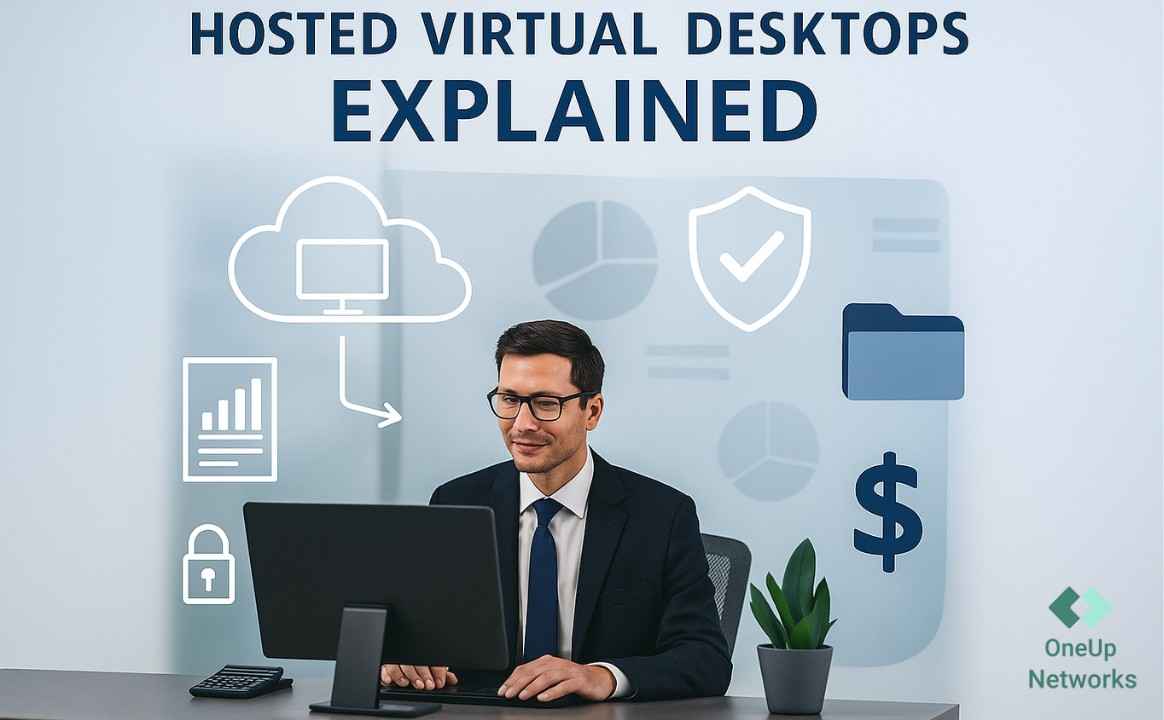
- Hosted virtual desktop providers give businesses secure cloud-based Windows desktops that employees can access from anywhere.
- OneUp Networks is a strong option for accounting firms and SMBs needing fully managed cloud desktops.
- Enterprise businesses may prefer Azure Virtual Desktop, Amazon WorkSpaces, Citrix DaaS, or Omnissa Horizon Cloud for scalability and advanced features.
- Choose a provider based on pricing, security, scalability, backups, and managed support, not just the monthly cost.
Hosted Virtual Desktop Providers: A Complete Guide for Businesses
Imagine your office computer isn’t sitting on your desk anymore, it’s securely running in the cloud. That’s exactly what a Hosted Virtual Desktop (HVD) is. It gives you a complete Windows desktop that you can access from anywhere using a laptop, tablet, or even a phone, as long as you have an internet connection.
Instead of buying and maintaining expensive office computers and servers, businesses rent virtual desktops from a hosting provider. The provider manages the infrastructure, security, updates, backups, and maintenance, while employees log into the same desktop experience from any location. This makes hosted virtual desktops a popular choice for remote teams, accounting firms, healthcare organizations, law firms, and businesses with multiple office locations.
In this guide, we’ll compare the top 7 Hosted Virtual Desktop providers in 2026, break down every cost involved, and help you decide whether a hosted virtual desktop is worth the investment for your business. Hosted virtual desktops help finance teams work smarter and safer by enabling secure remote access, centralized data storage, easier collaboration, and stronger compliance for accounting and finance workflows.
Top 7 Hosted Virtual Desktop Providers in 2026
The hosted virtual desktop market has grown rapidly, with providers offering solutions for businesses of all sizes, from small accounting firms to global enterprises. The best provider depends on your budget, security requirements, scalability, and the applications your team uses every day.
Here are seven of the strongest hosted virtual desktop providers in 2026.
1. OneUp Networks: Best for Accounting Firms and Small Businesses
Best for: Accounting firms, CPAs, QuickBooks & UltraTax users, healthcare practices, and SMBs.
OneUp Networks offers fully managed Hosted Virtual Desktop solutions where businesses get a secure Windows desktop hosted in the cloud. It handles setup, maintenance, backups, security, and ongoing IT support, making it ideal for businesses that don’t want to manage their own infrastructure.
Pros
- Fully managed cloud desktops with minimal IT effort.
- Optimized for QuickBooks, Sage, Microsoft Office, and business applications.
- Automatic backups and disaster recovery included.
- Multi-factor authentication and enterprise-grade security.
- 24/7 technical support for hosted environments.
- Published per user pricing rather than surprise bills based on usage.
Cons
- Pricing is available through custom quotes rather than fixed public plans.
- Best suited for business users, not individual consumers.
- Fewer advanced infrastructure customization options than Azure or AWS.
2. Microsoft Azure Virtual Desktop (AVD)
Best for: Businesses already using Microsoft 365 and Azure.
Azure Virtual Desktop is Microsoft’s enterprise virtual desktop platform. It allows businesses to create scalable Windows desktops and applications in the Azure cloud with deep integration into Microsoft’s ecosystem.
Pros
- Seamless integration with Microsoft 365, Teams, and Intune.
- Highly scalable for businesses of any size.
- Strong security, compliance, and identity management.
- Pay-as-you-go pricing for flexible resource usage.
Cons
- Setup and management require Azure expertise.
- Monthly costs can increase with storage and compute usage.
- Pricing is more complex than fixed subscription models.
3. Amazon WorkSpaces
Best for: Organizations running workloads on AWS.
Amazon WorkSpaces is a Desktop-as-a-Service (DaaS) platform that delivers Windows and Linux desktops through Amazon Web Services. Businesses can deploy desktops in minutes and scale them based on demand.
Pros
- Supports both Windows and Linux desktops.
- Hourly and monthly billing options.
- Easy scaling through AWS infrastructure.
- Strong security and centralized management.
Cons
- Works best if your business already uses AWS.
- Microsoft licensing can add extra costs.
- Less integrated with Microsoft productivity tools than Azure.
4. Citrix DaaS
Best for: Large enterprises with hybrid workforces.
Citrix DaaS is one of the most established virtual desktop platforms. It’s designed for organizations that need secure application delivery, high-performance desktops, and support for complex enterprise environments.
Pros
- Excellent performance for remote and hybrid teams.
- Advanced application virtualization.
- Works across multiple cloud providers.
- Strong security and policy management.
Cons
- Higher licensing costs than many competitors.
- More complex deployment and administration.
- Can be expensive for smaller businesses.
5. Windows 365 Cloud PC
Best for: Small and medium-sized businesses looking for simple cloud PCs.
Windows 365 gives each employee a dedicated Cloud PC with predictable monthly pricing. Unlike Azure Virtual Desktop, Microsoft manages most of the infrastructure behind the scenes.
Pros
- Simple setup with fixed monthly pricing.
- Dedicated Cloud PC for every user.
- Integrated with Microsoft 365 and Intune.
- Easy to manage without deep cloud expertise.
Cons
- Less flexible than Azure Virtual Desktop.
- Users pay for dedicated resources even when idle.
- Limited customization for advanced workloads.
6. Omnissa Horizon Cloud (Formerly VMware Horizon)
Best for: Enterprises needing advanced VDI and hybrid cloud deployment.
Omnissa Horizon Cloud, formerly VMware Horizon, provides enterprise-grade virtual desktops across public cloud, private cloud, and on-premises infrastructure with centralized management.
Pros
- Enterprise-level scalability.
- Supports hybrid and multi-cloud deployments.
- High availability with centralized desktop management.
- Good support for graphics-intensive applications.
Cons
- Requires Windows licensing separately in many deployments.
- More expensive than SMB-focused providers.
- Best suited for organizations with experienced IT teams.
7. Parallels Remote Application Server (RAS)
Best for: Small businesses, education, and organizations looking for affordable VDI.
Parallels RAS simplifies remote desktop and application delivery while supporting cloud, hybrid, and on-premises deployments. It’s often chosen as a lower-cost alternative to Citrix.
Pros
- Lower licensing costs than many enterprise VDI platforms.
- Easy deployment and management.
- Supports Windows applications and remote desktops.
- Works in cloud, hybrid, or on-premises environments.
Cons
- Fewer enterprise virtualization features than Citrix or Omnissa.
- Smaller ecosystem and third-party integrations.
- Less suitable for very large enterprise deployments.
Hosted Virtual Desktop Cost Breakdown
Most providers bundle together cloud infrastructure, storage, security, backups, licensing, and IT support into a monthly subscription. Understanding what you’re paying for makes it easier to compare providers and choose the right plan for your business.
For accounting firms and finance departments, the advantages of QuickBooks Virtual Desktop include enhancing efficiency and streamlining accounting by giving teams secure, anytime access to QuickBooks, centralized financial data, real-time collaboration, and automated backups without relying on office PCs or complex VPN setups.
Per-user monthly pricing model
Most Hosted Virtual Desktop providers follow a per-user, per-month pricing model. Instead of buying physical desktops and servers upfront, businesses pay a monthly fee for each employee who needs access to a cloud desktop.
The monthly price depends on factors such as CPU and RAM, storage capacity, Microsoft licensing, security features, and whether the provider includes managed IT support.
Our pricing follows the per-user monthly model, making costs predictable as your team grows. Pricing starts at $99 per user/month for teams of 10+ users.
For teams with fewer than 10 users, the per-user cost is typically higher due to infrastructure and licensing overhead.
See How Your Business Can Benefit from a Hosted Virtual Desktop
Give your team secure access to business applications from anywhere with a Hosted Virtual Desktop built for performance, security, and remote work. OneUp Networks delivers fully managed cloud desktops that help businesses run QuickBooks, Sage, Microsoft 365, UltraTax, CS Professional Suite, and other business-critical applications without the hassle of managing on-premise infrastructure.
Browse our case studies for real client success stories and practical implementation examples.
Get Started Today
- Talk to a Hosted Virtual Desktop specialist to find the right cloud desktop solution for your business.
- Book a personalized demo and see how a managed virtual desktop works in real business environments.
- Start a free trial and experience secure, cloud-hosted desktops designed for remote teams and business-critical applications.



































