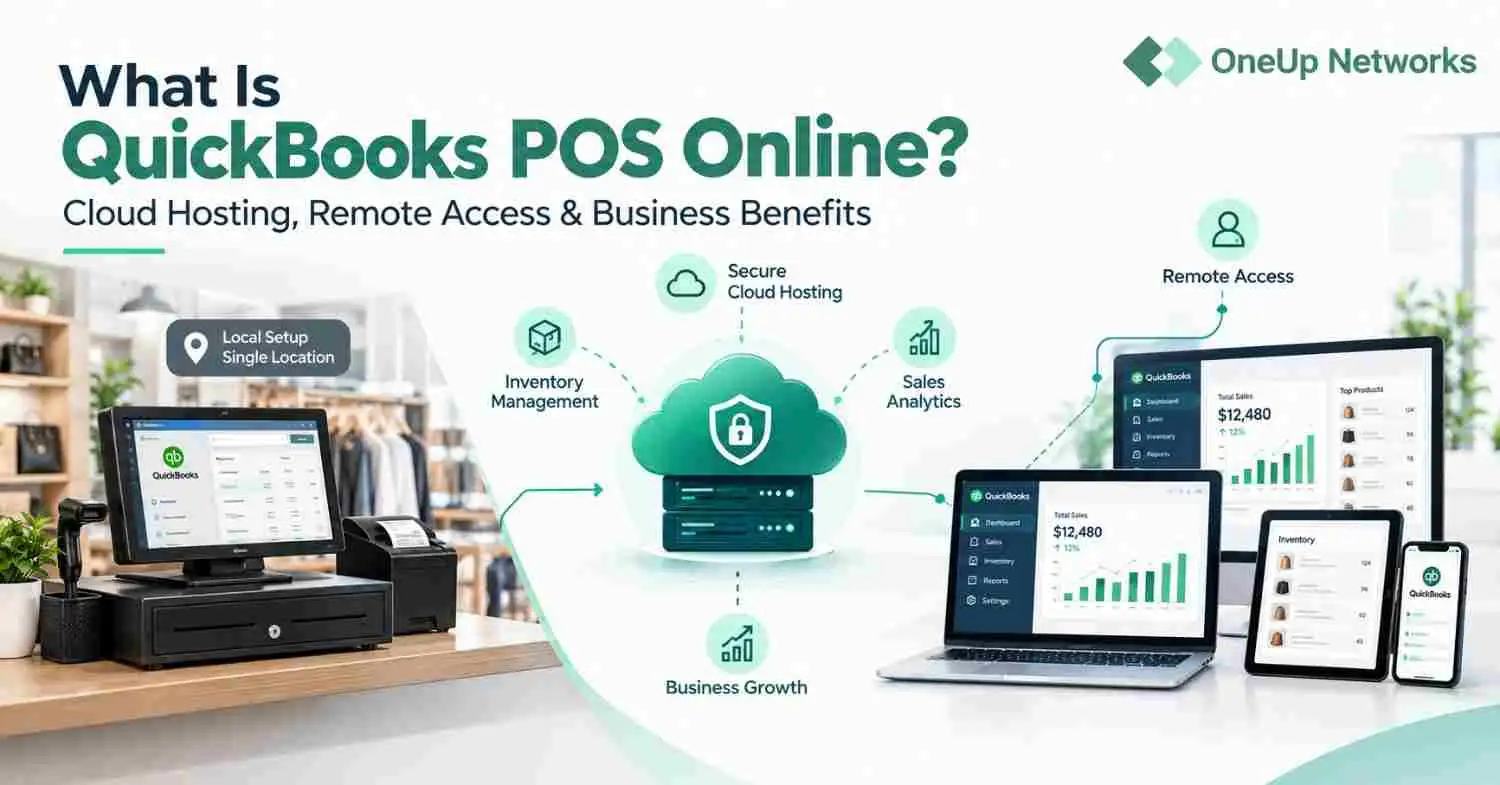
In 2026, both Sage and QuickBooks introduced new tools to reduce manual accounting work. Sage 50 added AI-powered document capture, integrated invoice payments, expanded banking connections and a unified Sage login. Meanwhile, QuickBooks introduced Intuit Intelligence, smarter bank feeds, improved inventory tools, automated invoicing, forecasting and more advanced reporting. These updates show that both platforms are moving toward greater automation, faster workflows and easier financial management.
In this blog, you will learn how they differ in features, scalability, reporting, integrations, deployment, ease of use, and cost. We will also explain which option fits different firm sizes and how OneUp Networks hosted accounting solutions can provide secure remote access to the software your team chooses.
What Are Sage and QuickBooks?
Sage vs QuickBooks is a common question when businesses seek cloud-based accounting software solutions designed to simplify financial management for businesses of all sizes. Both offer robust features such as invoicing, expense tracking, payroll, and advanced reporting. However, their approach, user experience, and scalability differ, making each more suitable for particular business needs. Sage, is known for its comprehensive, customizable solutions. Sage caters to businesses with complex requirements, including multi-entity organizations, manufacturing, and project-based firms. The available products under Sage are:- Sage 50: Small businesses
- Sage 100: Small to mid-sized businesses
- Sage 300: Mid-sized companies with international operations
- Sage Intacct: Modern cloud financial management
- Sage X3: Advanced ERP for large and complex enterprises
- QuickBooks Solopreneur: Newest product, designed for one-person businesses
- QuickBooks Online: Cloud accounting for small and growing businesses
- QuickBooks Desktop: Traditional desktop software, mainly for businesses needing advanced inventory, reporting, or industry-specific features
Updates of 2026
In 2026, both Sage and QuickBooks introduced new tools to reduce manual accounting work. Sage 50 added AI-powered document capture, integrated invoice payments, expanded banking connections and a unified Sage login. Meanwhile, QuickBooks Online introduced Intuit Intelligence, smarter bank feeds, improved inventory tools, automated invoicing, forecasting and more advanced reporting. These updates show that both platforms are moving toward greater automation, faster workflows and simpler financial management.- Sage 50 AI-powered document capture: Sage can extract important information from invoices, receipts and other financial documents. This reduces manual data entry and helps businesses record transactions more quickly and accurately.
- Sage 50 integrated invoice payments: Businesses can add payment options directly to their invoices, making it easier for customers to pay. This can shorten payment cycles and give accounting teams better visibility into outstanding invoices.
- Sage 50 expanded banking connections: Improved bank connectivity makes it easier to import transactions and keep financial records current. It also reduces the time spent downloading statements and entering banking information manually.
- QuickBooks Intuit Intelligence: This AI-powered feature helps users understand their financial data, identify useful insights and complete everyday accounting tasks more efficiently. It can also make financial information easier to interpret without manually reviewing multiple reports.
- Smarter bank feeds: QuickBooks can match, categorize and organize imported bank transactions more effectively. This reduces repetitive work while allowing users to review suggested matches before adding them to their books.
- Improved inventory tools: Businesses can monitor stock levels, purchasing activity and product performance more closely. Better inventory visibility can help prevent shortages, overstocking and inaccurate product records.
- Financial forecasting: Forecasting tools use existing financial data to help businesses anticipate future cash flow, revenue and expenses. These projections can support more informed budgeting and planning decisions.
Sage and QuickBooks: Feature-by-Feature Comparison
Below is a detailed comparison table to help you quickly assess the core differences in the Sage vs QuickBooks landscape:Below is a detailed comparison table to help you quickly assess the core differences in the Sage vs QuickBooks landscape:
| Comparison Factor | QuickBooks | Sage |
|---|---|---|
| User Interface | Modern, intuitive, easy for beginners | Traditional, robust, highly customizable |
| Target Business Size | Small to medium, simple to moderate needs | Medium to large, complex needs |
| Industry Focus | Accounting, bookkeeping, service businesses | Accounting, finance, manufacturing, projects |
| Cloud Hosting | Yes (QuickBooks Online, QuickBooks Desktop Cloud ) | Yes (Sage Business Cloud, Sage 50cloud) |
| Multi-User Access | Good, but limited in lower-tier plans | Advanced, concurrent, real-time collaboration |
| Inventory Management | Basic to moderate (advanced in higher plans) | Advanced (multi-warehouse, job costing) |
| Reporting & Analytics | Strong, easy-to-use, standard templates | Deep, customizable, industry-specific |
| Payroll Integration | Built-in, seamless with Intuit Payroll | Built-in and third-party options |
| Third-Party Integrations | Extensive, especially for SMB tools | Extensive, especially for industry verticals |
| Learning Curve | Gentle, ideal for non-accountants | Steeper, but more powerful for experts |
| OneUp Networks Hosting Cost | Offering starting from $35.99/- user. | Offering starting from $35.99/- per user. |
| Support & Community | Massive community, strong support | Strong, especially for enterprise clients |
QuickBooks is generally better for firms that prioritise simplicity and accountant familiarity, while Sage is better suited to businesses with more complex inventory and operational needs. OneUp Networks can host either desktop platform, providing secure remote access, migration, backups and 24/7 support. The accounting software license is purchased separately from the OneUp Networks hosting plan.
QuickBooks is generally better for firms that prioritize simplicity and accountant familiarity, while Sage is better suited to businesses with more complex inventory and operational needs. OneUp Networks can host either desktop platform, providing secure remote access, migration, backups and 24/7 support. The accounting software license is purchased separately from the OneUp Networks hosting plan.Start here: Sage is not one product and neither is QuickBooks
For most small businesses, QuickBooks Online is often the more practical choice because of its user-friendly interface, bank feeds, automation, and transaction-categorization rules. Sage may have a steeper learning curve, but it offers more detailed reporting, stronger customization, multi-entity tracking, and advanced inventory capabilities. These features can make Sage a better fit for larger or more complex businesses, while QuickBooks Online generally suits smaller teams with straightforward accounting needs. For U.S. buyers, the first clarification is simple: Sage Business Cloud Accounting has been retired in the United States. So when firms compare Sage vs QuickBooks today, the live Sage choices are usually Sage 50 for smaller companies that still want classic accounting depth or Sage Intacct for growing organizations that need cloud ERP-style controls. On the QuickBooks side, the meaningful buckets are Solopreneur for one-person businesses, QuickBooks Online Simple Start through Plus for core small-business accounting, Online Advanced for larger teams and QuickBooks Desktop or Enterprise where legacy workflows still matter. Here is the quickest way we frame the matchups for customers:- A solo consultant or freelancer usually belongs to QuickBooks Solopreneur or Simple Start. Sage Intacct would be overbuilt and Sage 50 would feel heavy unless inventory or very specific job costing is involved.
- A 5-person services firm often fits QuickBooks Essentials or Plus if speed and familiarity matter most. Sage 50 Pro or Premium can fit better when the owner wants tighter desktop-style control over jobs, inventory or purchasing.
- A retail or wholesale business with real stock counts usually compares Sage 50 Premium or Quantum against QuickBooks Plus or Advanced. This is where inventory depth starts to decide the deal.
- A multi-location or multi-entity business that needs approvals, role security and cleaner reporting dimensions is usually choosing between QuickBooks Online Advanced and Sage Intacct. When consolidation and finance controls become central, Intacct is usually the cleaner long-term fit.
In-Depth Analysis of Sage & Intuit’s QuickBooks
User Interface & Usability
Sage’s interface is packed with features and customization options. This can feel overwhelming at first, but it’s invaluable for firms that need detailed control over every aspect of their accounting. Think of Sage as a “financial command center” perfect for those who need to dig deep into data or prefer a more robust server for accounting firm setup for managing complex operations. QuickBooks prioritizes simplicity and accessibility in the Sage vs QuickBooks comparison. Its dashboard gives you a snapshot of your business health income, expenses, profit & loss, and outstanding invoices, right when you log in. Even non-accountants can get up and running quickly, making it the “friendly face” of accounting software.Feature Set
QuickBooks offers all the essentials professional invoicing, easy expense tracking (snap and upload receipts), online payments, and seamless bank integration. Its ecosystem of third-party apps is vast, making it a Swiss Army Knife for SMBs. Sage goes further with advanced inventory management, job costing, and multi-entity consolidation. For firms managing multiple clients, locations, or projects, Sage’s depth is unmatched when mixed with sage cloud hosting. It’s built to handle complexity, think construction, manufacturing, or multi-branch accounting.Comparing Sage vs QuickBooks for Accountant & CPA
| Feature/Aspect | Sage (Sage 50, Intacct, Accounting) | QuickBooks (Online, Pro, Enterprise) |
| User Interface | Robust, customizable, steeper learning curve | Intuitive, beginner-friendly, visual dashboards |
| Target Business Size | SMBs to enterprises, complex needs | Freelancers, SMBs, growing businesses |
| Industry Focus | Accounting, finance, manufacturing, projects | Accounting, bookkeeping, retail, services |
| Cloud Hosting | Yes (via Sage Business Cloud, Sage 50cloud) | Yes (QuickBooks Online, hosted Desktop) |
| Multi-Entity Support | Advanced (Sage Intacct excels) | Limited (available in Enterprise/Advanced tiers) |
| Invoicing | Advanced, customizable, integrated (Sage Invoicing) | Streamlined, automated reminders |
| Inventory Management | Advanced (multi-location, job costing) | Basic to moderate (advanced in Enterprise) |
| Reporting | 150+ customizable reports, industry-specific | Customizable, visual, advanced in higher tiers |
| Payroll Integration | Built-in/third-party, strong compliance | Built-in, seamless with Intuit Payroll |
| Fixed Asset Management | Sage FAS (full lifecycle, compliance) | Basic fixed asset tracking |
| Integrations | 350+ apps (Intacct), Sage Marketplace | 750+ apps, massive ecosystem |
| Mobile Accessibility | Yes, but more limited than QuickBooks | Yes, robust mobile apps |
| Pricing | Starts higher, scalable, custom for Intacct | Affordable entry, tiered, transparent pricing |
| Support | 24/7, phone, knowledge base, community | 24/7, live chat, phone, expert-assisted options |
| Scalability | Highly scalable, ERP capabilities | Scalable, but best for SMBs |
Sage 50 vs QuickBooks Pro: Which Fits Your Needs?
| Feature | Sage 50 | QuickBooks Pro |
| Best For | Established SMBs, accountants | Small businesses, bookkeepers |
| Multi-User Access | Up to 40 users (Quantum) | Up to 3 users |
| Industry Customization | Strong, especially for finance & manufacturing | Moderate, more generic |
| Reporting | 150+ reports, deep analytics | Standard, customizable |
| Fixed Asset Management | Sage FAS integrated | Limited |
| Cloud Hosting | Yes (via hosting providers) | Yes (via hosting providers) |
Sage Intacct vs Intuit QuickBooks Enterprise: Key Differences
| Feature | Sage Intacct | QuickBooks Enterprise |
| Best For | Mid-sized to large, multi-entity, complex | SMBs, growing businesses |
| Multi-Entity | Yes, industry-leading | Limited |
| Custom Workflows | Yes, highly customizable | Limited |
| Integrations | 350+ business apps | 750+ apps |
| Pricing | Custom, higher | Transparent, lower entry |
Which One Supports Cloud Hosting and Remote Access?
Both Sage and QuickBooks offer cloud-hosted versions, which means you can access your data securely from anywhere. This capability is crucial for modern firms with distributed teams or remote work policies. Moreover, cloud accounting is now a must-have, with over 60% of US accounting professionals preferring hosted solutions for security and collaboration. OneUp Networks specializes in hosting both platforms, ensuring uptime, security, and compliance for regulated industries, important factors when choosing between Sage and QuickBooks cloud solutions.Industry Suitability
When it comes to industry suitability, Sage vs QuickBooks shows clear distinctions: Sage is ideal for accounting and finance firms serving clients with complex needs, multi-entity, international operations, or those requiring granular job/project costing. QuickBooks, in contrast, is best for small businesses, startups, and firms that value speed, simplicity, and cost-effectiveness.Integration & Ecosystem
QuickBooks integrates with 650+ business apps, including payroll, CRM, and e-commerce platforms. Meanwhile, Sage integrates with industry-specific tools, ERP systems, and offers API access for custom solutions, key considerations in the Sage 50 vs QuickBooks Pro discussion.Real-World Example
Firm A manages multiple real estate investment companies. Each entity requires separate books, consolidated reporting, and advanced job costing. Therefore, Sage is the clear winner here. Its multi-company management, customizable reporting, and project tracking save hours each month. In contrast, Firm B focuses on small business clients, restaurants, freelancers, and local shops. QuickBooks shines for these clients. Its ease of use, affordable plans, and strong mobile app make bookkeeping and tax prep a breeze. If you are narrowing down Sage vs QuickBooks and want the software decision to work in the real world, talk with us at OneUp Networks. Browse our case studies for real client success stories and practical implementation examples.Power Your Accounting Firm with Secure Cloud Hosting
Whether your firm chooses Sage or QuickBooks, OneUp Networks can provide the secure, high-performance hosting environment your team needs. Access your accounting applications, files and data from anywhere while benefiting from automated backups, advanced security and reliable performance. Our team designs and manages cloud hosting environments for CPA and accounting firms, giving users dependable access to QuickBooks, Sage, UltraTax, CS Professional Suite and other business-critical applications.- Talk to a cloud hosting specialist
- Book a personalized demo
- Start a free trial to see how secure accounting software hosting can support your firm’s daily workflows.